CRMs with built-in social media scheduling combine customer management and content planning in one platform. This integration helps businesses save time, track customer interactions, and improve engagement by linking social activity to CRM data through an integrated business information system. Here's a quick overview of the top options:
- HubSpot Marketing Hub: Offers an all-in-one dashboard for scheduling posts and managing CRM data. Includes AI tools for captions and analytics but lacks native social listening. Pricing starts at $45/user/month.
- Zoho CRM with Zoho Social: Affordable, integrates social leads directly into the CRM, and includes AI tools for scheduling. Pricing starts at $57/user/month but has a steeper learning curve.
- Sprout Social: Known for advanced analytics and social listening tools. Ideal for larger teams but expensive, starting at $199/user/month.
- Agorapulse: Focuses on engagement with a unified inbox and CRM integration via third-party tools. Pricing starts at $79/user/month.
Quick Comparison
| Platform | Starting Price | Key Features | Best For |
|---|---|---|---|
| HubSpot Marketing Hub | $45/user/month | AI tools, CRM integration, analytics | Mid-sized teams using HubSpot |
| Zoho CRM with Zoho Social | $57/user/month | Social lead sync, AI scheduling | Budget-conscious SMBs |
| Sprout Social | $199/user/month | Advanced analytics, social listening | Agencies, enterprises |
| Agorapulse | $79/user/month | Unified inbox, engagement management | Social-heavy teams |
Each platform suits different needs based on budget, team size, and social media goals. Choose one that aligns with your business priorities.
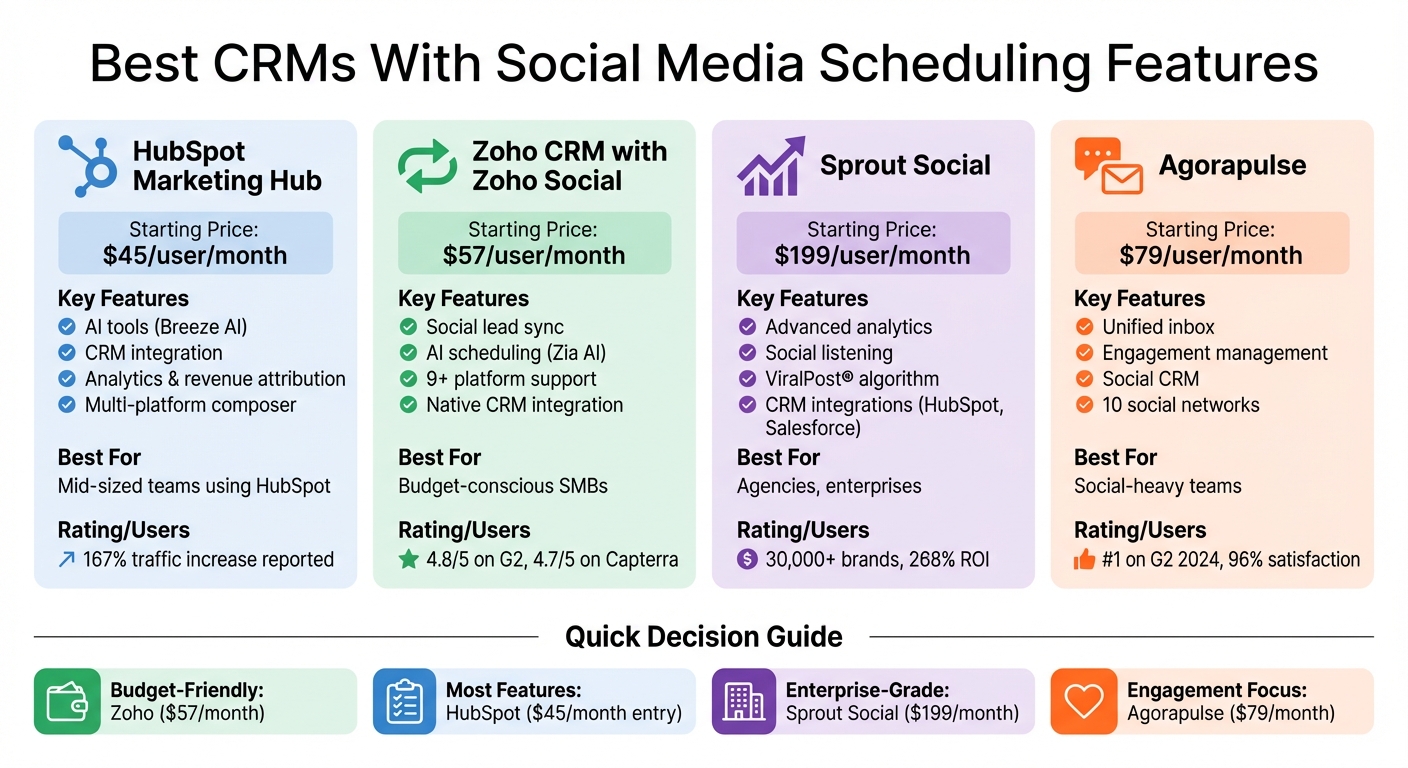
CRM Social Media Scheduling Platforms Comparison: Features and Pricing
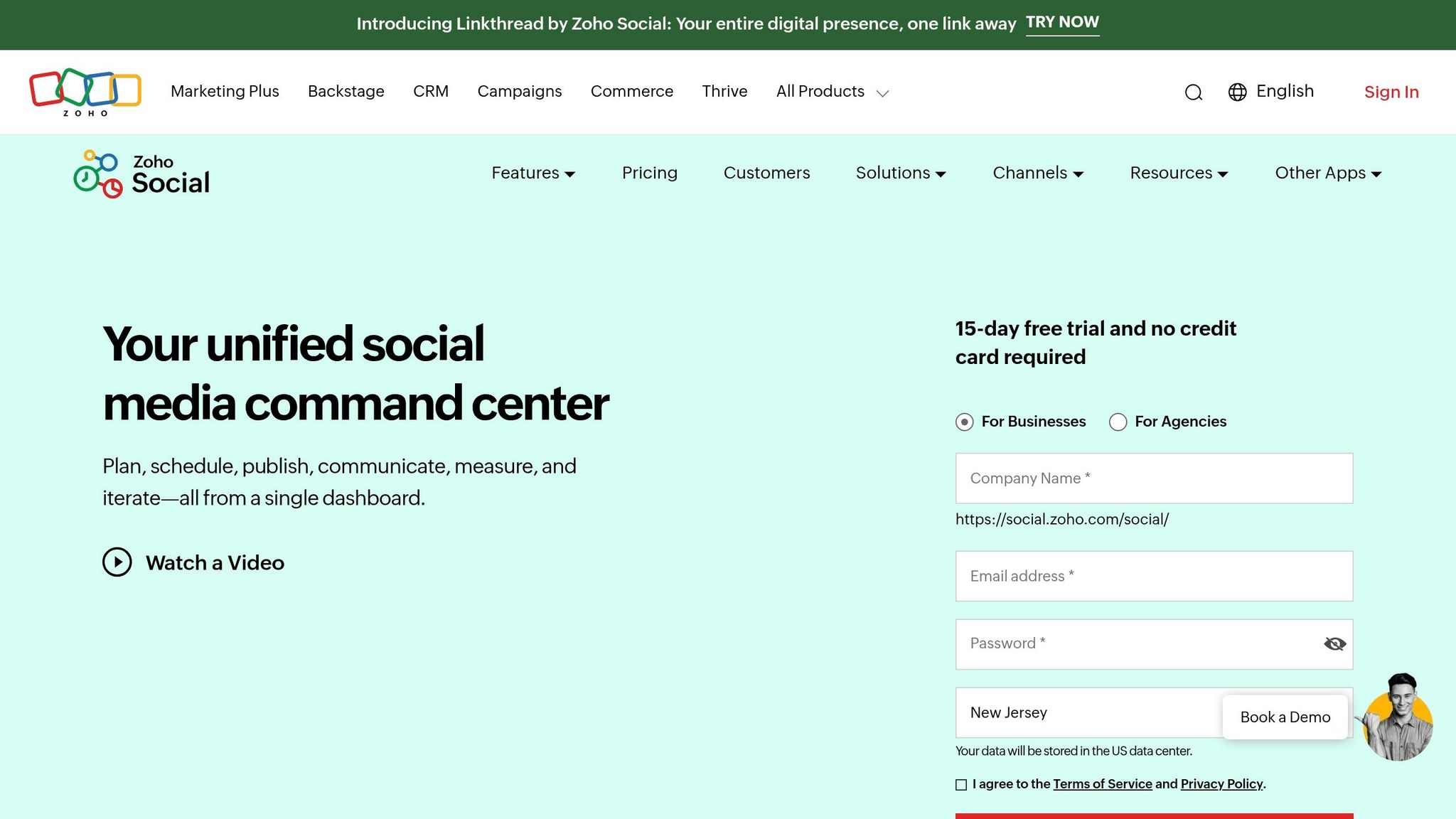
Best SMM Tool for Small Business - Zoho Social Main Features
sbb-itb-d1a6c90
1. HubSpot Marketing Hub
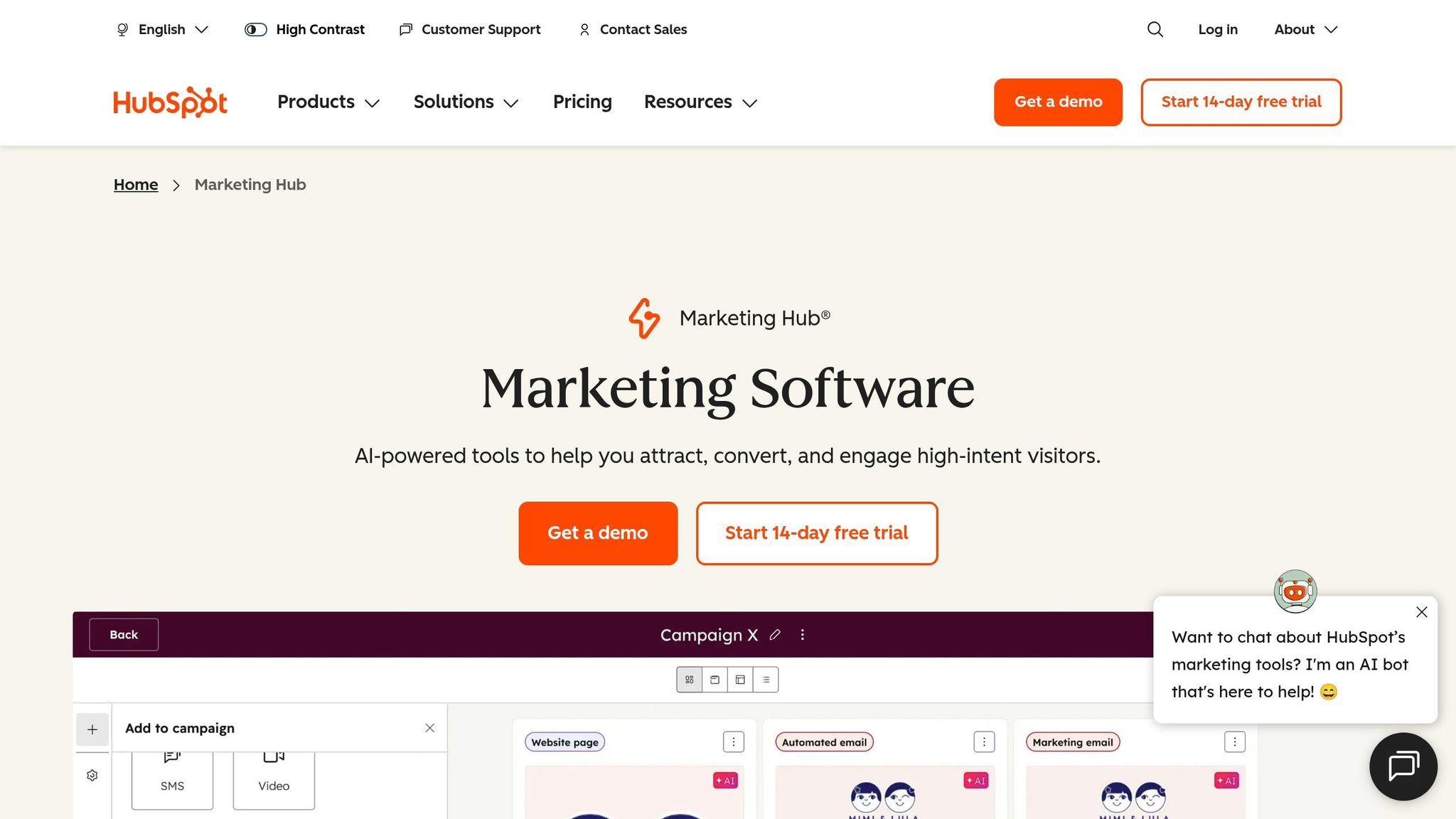
HubSpot Marketing Hub combines robust social media scheduling with integrated CRM tools, supporting platforms like Facebook, Instagram, LinkedIn, X, and YouTube - all from a single dashboard. This seamless combination of scheduling and CRM data helps businesses improve customer engagement and streamline their marketing efforts.
Social Media Scheduling Features
The multi-platform composer lets you create and post content across all connected platforms in one go. With bulk scheduling, you can upload weeks or even months of content at once, while the drag-and-drop visual social calendar makes it easy to identify content gaps and rearrange posts as needed. Breeze AI enhances your workflow by generating captions, suggesting hashtags, and recommending the best times to post. You can also tailor posts for specific platforms - like Instagram Reels, LinkedIn polls, or Facebook Stories - and even schedule first comments or replies directly within the composer.
CRM Integration
Every social interaction updates the related CRM contact profile, giving you a full picture of the customer journey. With closed-loop reporting, you can see exactly how social interactions lead to sales by connecting engagement data to leads and revenue. The platform also automates workflows triggered by social activity, such as adding contacts to nurture lists or sending follow-up emails when someone interacts with your posts. A unified inbox further simplifies communication by consolidating all messages and mentions from different platforms into one place.
Analytics and Reporting
HubSpot tracks key metrics like engagement, reach, and follower growth. Its revenue attribution feature links social campaigns to actual conversions, helping you identify which posts drive results. CRM-linked metrics, such as website sessions from social traffic and new leads generated, provide deeper insights. You can filter analytics by account, date range, or campaign, and even compare performance across different periods. However, it’s worth noting that post-specific data, like impressions and reactions, is only available for 30 days after publication, and LinkedIn data is removed after one year due to platform policies.
Pricing
HubSpot offers a Free plan with basic features at $0/month, while the Starter plan is priced between $15–$20/month per seat. For full social media management, the Professional plan costs $890/month (includes three seats) and adds features like AI-driven timing and personalized content. The Enterprise plan starts at $3,600/month (includes five seats) and provides advanced tools like revenue tracking, A/B testing, and customer journey mapping. Users have reported impressive results, including a 167% increase in website traffic, a 3x boost in inbound leads, and a 69% rise in closed deals within six months of using the platform.
Next, we’ll look at how Zoho CRM with Zoho Social expands on these integrated features.
2. Zoho CRM with Zoho Social
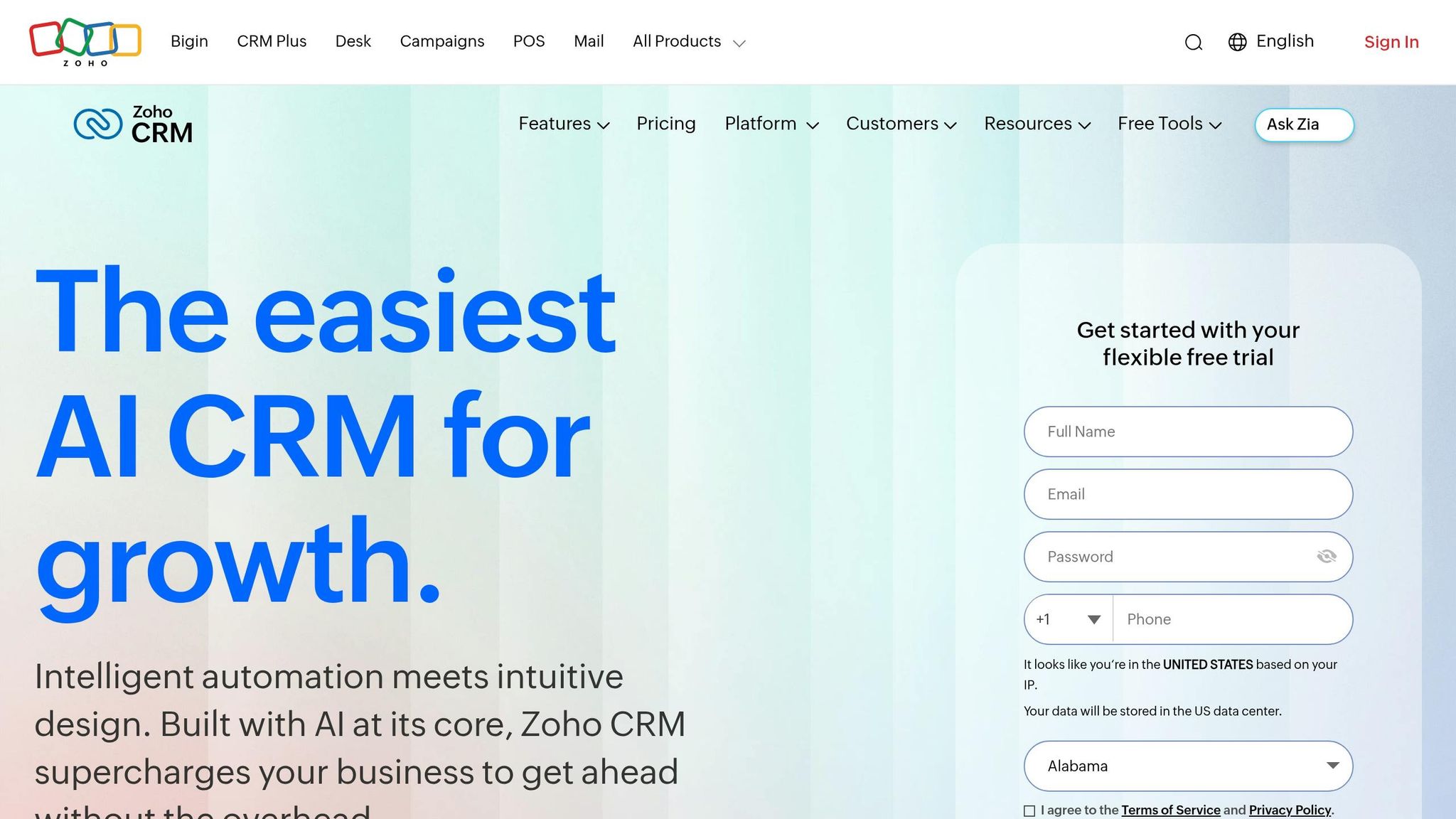
Zoho Social offers a streamlined way to manage social media and CRM needs as part of your business administration essentials in one place, starting at just $15/month. It supports posting to over nine major platforms, including Facebook, Instagram, X (Twitter), LinkedIn, TikTok, YouTube, Pinterest, Threads, and Bluesky.
Social Media Scheduling Features
The platform’s visual publishing calendar is a standout feature, using a drag-and-drop interface for easy rescheduling. You can also filter posts by team member for better collaboration. Its SmartQ Predictions use AI to determine the best times to post. For those managing a high volume of content, the bulk scheduler simplifies the process by uploading up to 350 posts at once via CSV or XLSX files.
Rachel A. Martins, an Information Technology Specialist at MC², shared, "My management time has reduced by almost 80%."
Zoho Social’s Zia AI Assistant adds another layer of convenience, generating post ideas, captions, and hashtags on demand. This conversational approach offers a more intuitive alternative to tools like HubSpot's Breeze AI. The "Repeat Post" feature allows users to recycle top-performing posts weekly or monthly, ensuring consistent engagement. Plus, the zShare browser extension lets you curate and schedule content directly from the web without needing to access the main dashboard. All these features are designed to simplify scheduling while seamlessly integrating with Zoho's CRM tools.
CRM Integration
Zoho Social’s CRM integration ensures social interactions seamlessly translate into CRM leads or contacts. Sales teams can access a prospect's complete social media conversation history within their CRM records, making it easier to personalize interactions.
Shannon Johnson, Founder of The Sustainable Collective.co, remarked, "It is much easier to interact with leads and potential customers right from the dashboard and refer them over to the CRM program".
The platform also provides revenue attribution, helping users identify which social channels and posts are driving the most sales. Real-time notifications alert CRM users when prospects engage on social media, enabling timely follow-ups. However, to access these CRM features, users need at least the Professional plan, which starts at $40/month. The Standard plan focuses more on basic scheduling features. With real-time updates and analytics, Zoho Social bridges the gap between social media engagement and actionable CRM data.
Analytics and Reporting
Zoho Social’s analytics track key metrics like follower demographics, content preferences, and audience sentiment. Customizable reports provide visual insights, helping users refine their strategies. Platform-specific data includes CTA clicks and keyword searches for YouTube, as well as pin-level performance for Pinterest.
Rory Hinton, Marketing Manager at Black Ox, noted, "Being able to quickly gather, at a glance, all of the analytics that we need and compare them to previous months and what our competitors are doing really helps us develop our social offering".
The platform integrates with Zoho Analytics for advanced insights, using the Zia assistant to deliver AI-augmented business intelligence. A listening dashboard further enhances its capabilities by tracking brand mentions, reviews, and keywords in real time across multiple platforms. While users appreciate features like SmartQ and CRM integration, some feel the standalone analytics lack depth compared to specialized tools.
Pricing
| Plan | Price | Channels | Key Features |
|---|---|---|---|
| Standard | $15/month | 10 | Multi-channel publishing, visual calendar |
| Professional | $40/month | 10 | CRM integration, bulk scheduling, post insights |
| Premium | $65/month | 13 | SmartQ, unified inbox, custom reports |
| Agency | $230/month | 130 | White-label reports, client portals (10 brands) |
Zoho Social enjoys strong user ratings, with 4.8/5 on G2 and 4.7/5 on Capterra. Users frequently highlight its CRM integration and competitive pricing as key advantages.
Next, we’ll explore how Sprout Social combines social scheduling with customer relationship management tools.
3. Sprout Social
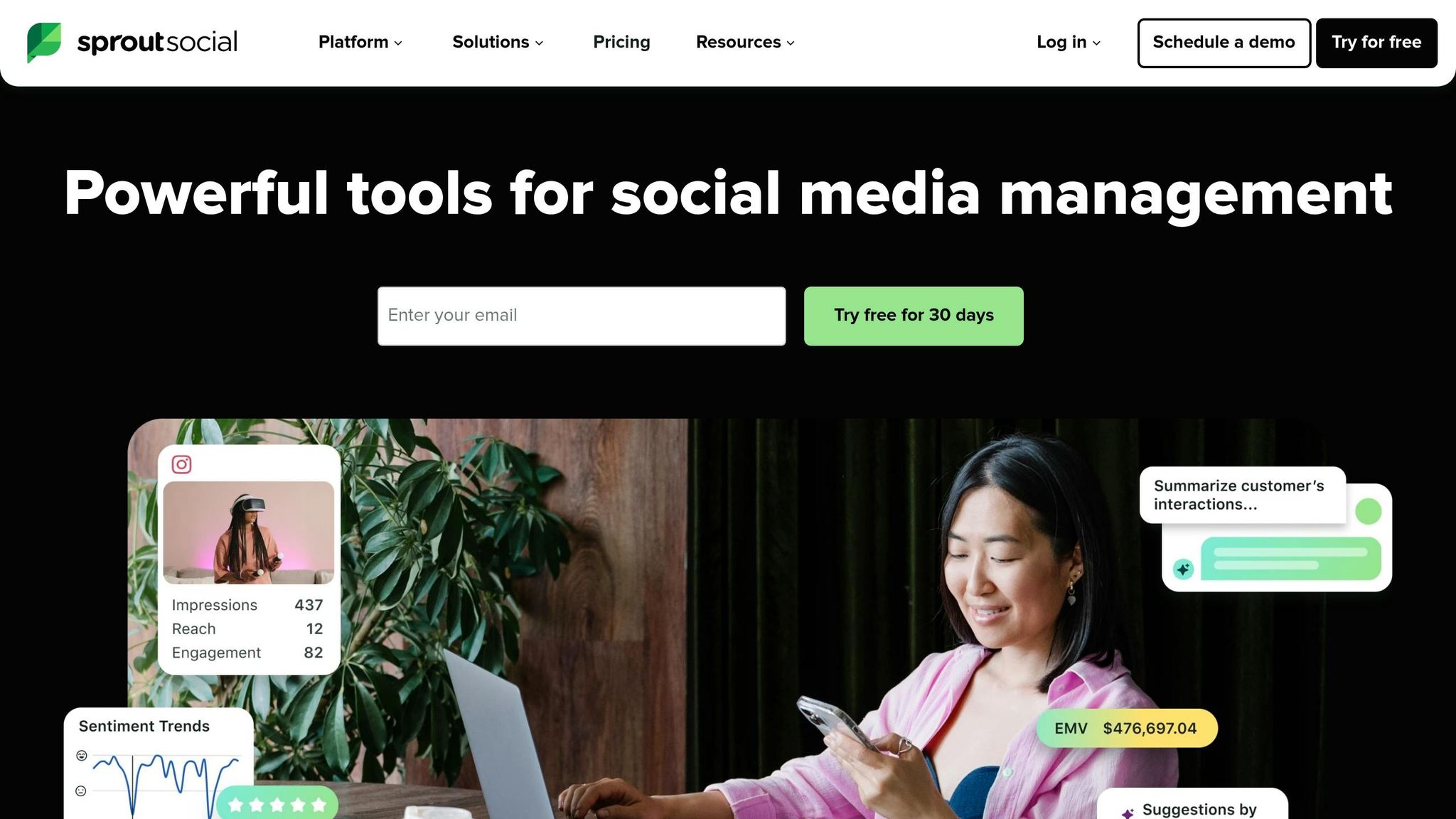
Sprout Social is trusted by over 30,000 brands and processes an impressive 600 million customer messages daily. Pricing starts at $199 per seat/month.
Social Media Scheduling Features
Sprout Social's collaborative content calendar simplifies managing posts across platforms like X, Facebook, Instagram, LinkedIn, Pinterest, YouTube, and Google Business Profile. Its standout feature, the ViralPost® algorithm, analyzes 16 weeks of data to determine the best posting times, potentially increasing reach by up to 60%.
"I live and die by that calendar. I can see what everyone is doing and make sure all our departments are working together to publish relevant content."
– Layne Pfliiger, Social Media Manager, University of North Dakota
The platform also supports bulk scheduling via CSV uploads, allowing up to 350 messages at once. Its Asset Library stores pre-approved brand content for quick access, while multi-level approvals ensure brand consistency. As Melissa Fasano, Director of Audience Engagement, noted, "I would say being able to approve posts was a big part of why we chose Sprout at the time. A lot of Sprout's competitors did not have that capability".
Additional tools include an Instagram Grid Planner with drag-and-drop functionality and AI-driven caption suggestions, speeding up the content creation process. These features integrate seamlessly with Sprout Social's CRM tools, creating a unified workflow.
CRM Integration
Sprout Social's CRM capabilities shine with bidirectional integration into platforms like HubSpot, Zendesk, and Salesforce Service Cloud. This allows teams to manage support cases directly from social messages, keeping track of full conversation histories. Sales and support teams can also create Salesforce Leads, Cases, and Contacts without leaving Sprout's dashboard.
"When I started, agents would beg not to have to manage social customer care tickets. Now, agents proactively ask to work on social tickets because the process is much more efficient."
– Sara Smith, Manager of Consumer Services, ScottsMiracle-Gro
By syncing social interactions with customer records, Sprout Social supports a streamlined and connected Social CRM approach.
Analytics and Reporting
Sprout Social's integrations deliver detailed performance metrics to help businesses improve engagement and conversions. The platform tracks key metrics like reach, impressions, clicks, and engagement. Higher-tier plans include advanced tools like competitive benchmarking and sentiment analysis. For example:
- Professional Plan: Adds competitive benchmarking for platforms like Facebook, X, and Instagram.
- Advanced Plan: Offers sentiment analysis and automated CSAT/NPS surveys.
With Google Analytics integration, users can link social traffic to website conversions, while Tag Reporting identifies high-performing campaigns.
A 2025 Forrester study highlighted a 268% return on investment over three years for Sprout Social users. Although mastering its features can take 2–4 weeks, many users appreciate its data visualization capabilities. The platform maintains a 4.4/5 rating on both G2 and Capterra.
Pricing
| Plan | Price | Social Profiles | Key Features |
|---|---|---|---|
| Standard | $199/seat/month | 5 | Social inbox, publishing, basic reporting |
| Professional | $299/seat/month | Unlimited | Competitive reports, optimal send times, bulk scheduling |
| Advanced | $399/seat/month | Unlimited | Sentiment analysis, chatbots, message spike alerts, asset library |
| Enterprise | Custom | Custom | Tailored features, dedicated support |
All plans come with a 30-day free trial - no credit card required. While the per-seat pricing can add up for larger teams, the platform's extensive features make it a worthwhile choice for businesses managing complex social strategies.
Next, we’ll explore how Agorapulse blends social media management with CRM tools.
4. Agorapulse
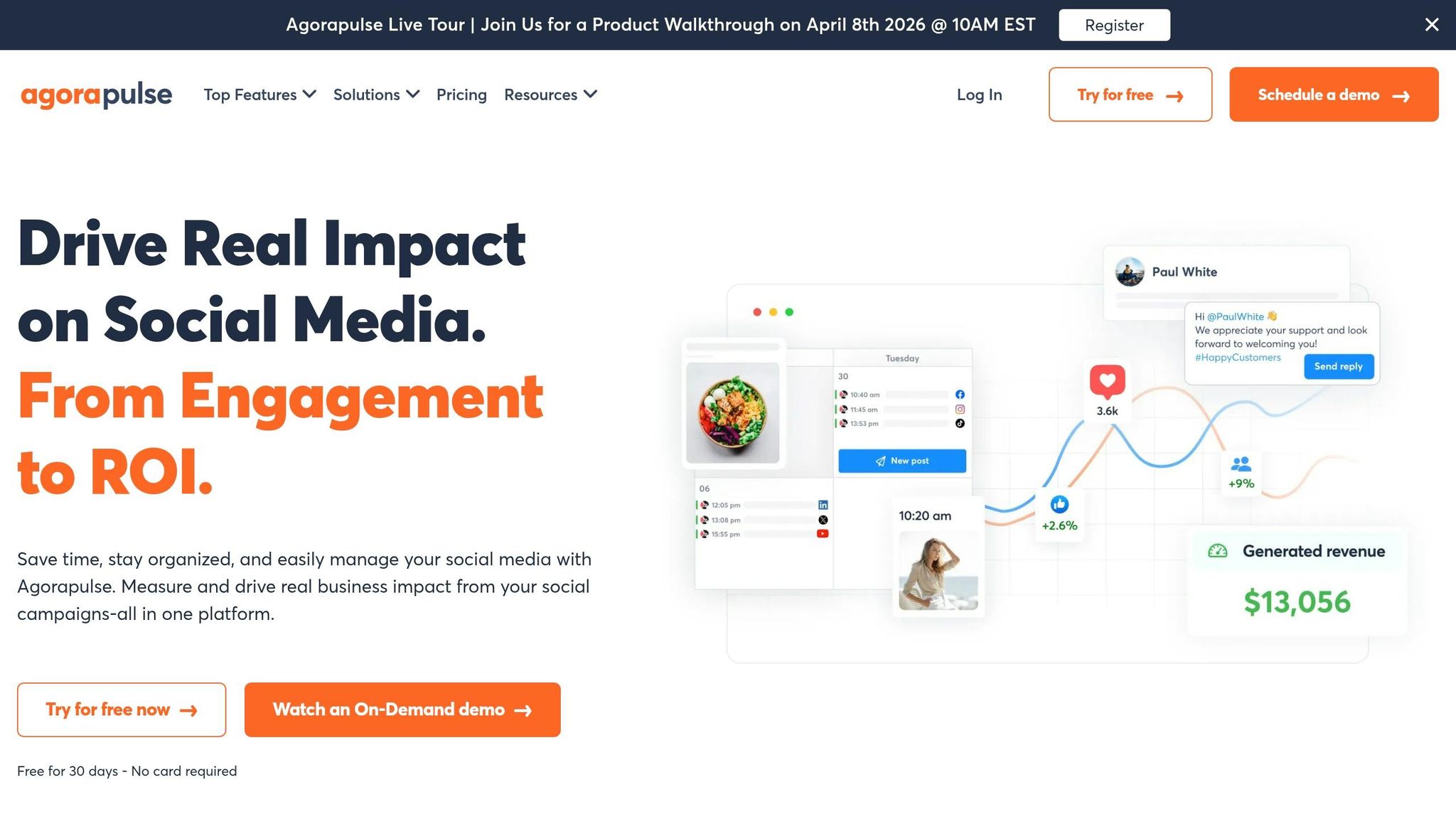
Agorapulse is trusted by over 31,000 social media managers and was ranked #1 by G2 reviewers in 2024. Pricing starts at $79 per user per month (billed annually), supporting up to 10 social networks, including Facebook, Instagram, TikTok, X, LinkedIn, YouTube, Pinterest, Threads, Bluesky, and Google Business Profile.
Social Media Scheduling Features
Agorapulse offers a unified content calendar that brings all your scheduled, published, and pending posts into one easy-to-navigate dashboard. Teams can filter by content type or assigned user and even bulk schedule up to 200 posts at once using a CSV upload. The platform also features automated posting through content queues, ensuring posts go live at optimal times.
Its AI Writing Assistant helps craft and refine captions, while the Asset Library integrates seamlessly with Canva, allowing users to design graphics directly within the platform. Shared Calendars enable teams to assign posts to specific members or clients for approval, ensuring a smooth and consistent workflow.
"Overall, the brand's social media is more consistent, our content creation systems are more concise and we work more efficiently."
– Hannah Mullin, Petland
Additional tools include Instagram product tagging, a grid preview, first-comment scheduling, and support for Instagram Reels, Stories, and Carousels. Higher-tier plans also let users store up to 24 months of historical post and inbox data.
These scheduling capabilities offer a strong foundation for integrating CRM tools.
CRM Integration
Agorapulse comes with a built-in social CRM that automatically tracks conversation history with followers. Users can add private notes and labels (like "Influencer" or "Ambassador") to highlight key contacts. On the Custom plan, integrations with HubSpot and Salesforce allow managers to view contact details directly within the Social Inbox and even create new leads without leaving the platform. For CRMs without native integration, Agorapulse works with Zapier to connect with tools like Pipedrive or Microsoft Dynamics.
Users have reported cutting content creation time by 50% and reducing costs by 30%. This CRM integration ensures every social interaction is tied to a complete customer profile, enabling more personalized communication.
Analytics and Reporting
Agorapulse integrates with Google Analytics to measure conversions, leads, and sales generated by social media posts through its Social Media ROI Dashboard. The platform tracks both global and post-specific metrics, such as reach, impressions, clicks, and engagement rates. Its Power Reports feature allows users to customize date ranges and metrics to identify top-performing platforms. Competitor benchmarking helps businesses track audience growth and engagement trends.
Reports can be automatically scheduled and exported in PDF, CSV, or PowerPoint formats, making it easy to share insights with stakeholders.
Pricing
| Plan | Price (Annual) | Social Profiles | Key Features |
|---|---|---|---|
| Standard | $79/user/month | 10 | Unlimited scheduling, basic reporting, social CRM |
| Professional | $119/user/month | 10 | Instagram product tagging, team performance reports |
| Advanced | $149/user/month | 10 | Content library, bulk actions, ROI analysis |
| Custom | Tailored | Unlimited | HubSpot/Salesforce integration, priority support |
Adding extra social profiles costs $10 per month each. While the per-user pricing can add up for larger teams, Agorapulse offers a free plan for testing, which includes 3 social profiles. The platform boasts a 96% user satisfaction rate and an average support response time of under 30 minutes. On G2, Agorapulse holds a 4.5/5 rating based on 958 reviews.
The next section will dive into the pros and cons of these CRM platforms.
Pros and Cons
Here's a breakdown of each platform's strengths and limitations, focusing on how well they combine social media scheduling with CRM capabilities.
HubSpot Marketing Hub provides a streamlined customer timeline, integrating social interactions with email and sales data. This makes it a great fit for teams already using HubSpot's ecosystem, as it merges customer data with social media management effortlessly. However, it doesn't offer native social listening and often requires third-party tools for advanced social inbox features. Additionally, searching through large datasets can slow down the system.
Zoho CRM with Zoho Social is a cost-effective option, priced at $57 per user per month, which includes CRM, Social, Desk, and Analytics. Its native integration allows social leads from platforms like Facebook and Instagram to sync directly into the CRM, improving lead conversions and shortening sales cycles. On the downside, its interface has a steep learning curve, and the social inbox uses a "stream view" instead of a unified message flow.
Sprout Social shines with its top-tier social listening tools and enterprise-grade analytics, earning an 8.2/10 rating on G2. Features like the Smart Inbox and sentiment analysis make it a strong choice for agencies and mid-market teams. It connects seamlessly with major CRMs like Salesforce and HubSpot, but its pricing - ranging from $199 to $399 per seat per month - can be prohibitive. Reviewers often note that it is overly complex for smaller operations.
Agorapulse emphasizes engagement management, offering a unified inbox for handling ad comments across platforms like Facebook, Instagram, and TikTok. With a 7.7/10 rating, it is well-regarded for its community management tools and competitor benchmarking. However, it lacks a robust native CRM, relying on third-party integrations for CRM workflows. Its $79 per user/month cost can quickly escalate for larger teams.
| Platform | Key Advantage | Main Limitation | Best For | Starting Price |
|---|---|---|---|---|
| HubSpot Marketing Hub | Unified customer timeline with attribution models | No native social listening; requires third-party tools | Mid-market teams using HubSpot CRM | $45/user/month |
| Zoho CRM with Zoho Social | True native integration; exceptional value | Steeper learning curve; no unified inbox | Budget-conscious SMBs | $57/user/month |
| Sprout Social | Advanced analytics and social listening | Expensive; often overkill for small teams | Agencies and data-driven enterprises | $199/user/month |
| Agorapulse | Unified inbox with ad comment management | Limited native CRM; per-user pricing adds up | Social-heavy teams prioritizing engagement | $79/user/month |
These comparisons provide a clear framework to help businesses choose the right CRM based on their social media management needs and budget.
Conclusion
Choosing a CRM with built-in social media scheduling hinges on factors like your business size, budget, and social media goals. For small businesses and startups, focusing on affordability and simplicity is key. Zoho CRM paired with Zoho Social offers a strong option at around $57 per user/month, thanks to its seamless integration. Similarly, HubSpot Marketing Hub provides a robust free tier, making it a great choice for testing workflows like social lead capture before committing to a paid plan.
Mid-sized teams already using a CRM ecosystem might find value in tools like HubSpot Service Hub or Zoho CRM with Zoho Social. These platforms offer unified customer timelines that directly link social interactions to revenue, helping teams connect the dots between engagement and business outcomes.
For larger enterprises, priorities shift toward managing high volumes across multiple social channels. Sprout Social stands out with its advanced analytics and social listening capabilities. However, its pricing - ranging from $199 to $249 per seat each month - calls for a careful evaluation of ROI.
Before making a final decision, confirm the platform aligns with your business's operational needs. Make sure it supports the social networks you rely on most, whether that’s Instagram DMs, TikTok comments, or WhatsApp. Since API updates can disrupt functionality, always request a live demo to check real-time syncing and verify API rate limits for high-volume use. The right CRM can save your team 6–9 hours weekly by turning social interactions into actionable workflows rather than just connections.
Start small by using free tiers or trials to experiment with lead capture and routing features. As you grow, set clear engagement rules - like flagging pricing inquiries separately from casual likes - to keep your CRM organized and efficient.
With the Social CRM market expected to hit $1,284 billion by 2029, the platforms that succeed will be the ones that go beyond scheduling posts to integrate social data with measurable business results.
FAQs
Which social networks can these CRMs schedule posts for?
Many CRMs come equipped with tools to schedule posts across major social media platforms like Facebook, Instagram, Twitter (X), LinkedIn, WhatsApp, and TikTok. By integrating these scheduling features directly into the platform, they simplify social media management, saving time and reducing the need for separate tools.
Can social comments and DMs automatically create or update CRM contacts?
Yes, plenty of CRMs with social media integration can automatically turn social comments and direct messages into new or updated contact records. This functionality helps you engage with your audience in real-time while keeping contact profiles updated with details from their interactions.
How can I track revenue from social posts inside a CRM?
You can monitor revenue generated from social media posts within a CRM by tagging inbound links with campaign IDs. This approach makes it possible to measure attribution, tying social media interactions directly to sales. By doing so, you can clearly see how social engagements contribute to revenue. These insights are invaluable for assessing the performance of your social campaigns and refining your strategies moving forward.