AI tools for conversational insights are transforming how businesses analyze customer interactions like calls, chats, and emails. These platforms leverage AI to analyze 100% of conversations, uncovering trends, sentiments, and behaviors that manual methods often miss. By 2025, 76% of companies are expected to adopt these tools for better customer interaction analysis, driving improvements in sales, service quality, and operational efficiency.
Here’s a quick overview of the 7 tools covered:
- ThoughtSpot: Simplifies data exploration with natural language queries and real-time visualizations.
- Displayr: Offers text analytics and sentiment analysis with no coding required.
- Zendesk: Uses sentiment tagging and integrates with e-commerce platforms for better customer support.
- Power BI: Provides dynamic visualizations and advanced AI-driven insights.
- Yellow.ai: Tracks customer sentiment and integrates with multiple platforms for seamless transactions.
- Avoma: Focuses on call analysis, providing emotional tone detection and actionable coaching insights.
- Tellius: Combines search analytics with anomaly detection and root cause analysis.
These tools help organizations make data-driven decisions, improve customer satisfaction, and boost revenue by turning conversations into actionable insights.
Quick Comparison:
| Tool | Key Features | Best For |
|---|---|---|
| ThoughtSpot | Natural language querying, real-time visuals | Data exploration and reporting |
| Displayr | Text analytics, sentiment analysis | Market research |
| Zendesk | Sentiment tagging, e-commerce integration | Customer support |
| Power BI | Dynamic visualizations, AI insights | Business intelligence |
| Yellow.ai | Sentiment tracking, multi-platform integration | Customer engagement |
| Avoma | Call analysis, emotional tone detection | Sales and coaching |
| Tellius | Root cause analysis, anomaly detection | Advanced analytics |
These tools are ideal for businesses looking to analyze customer interactions, improve decision-making, and achieve measurable business results.
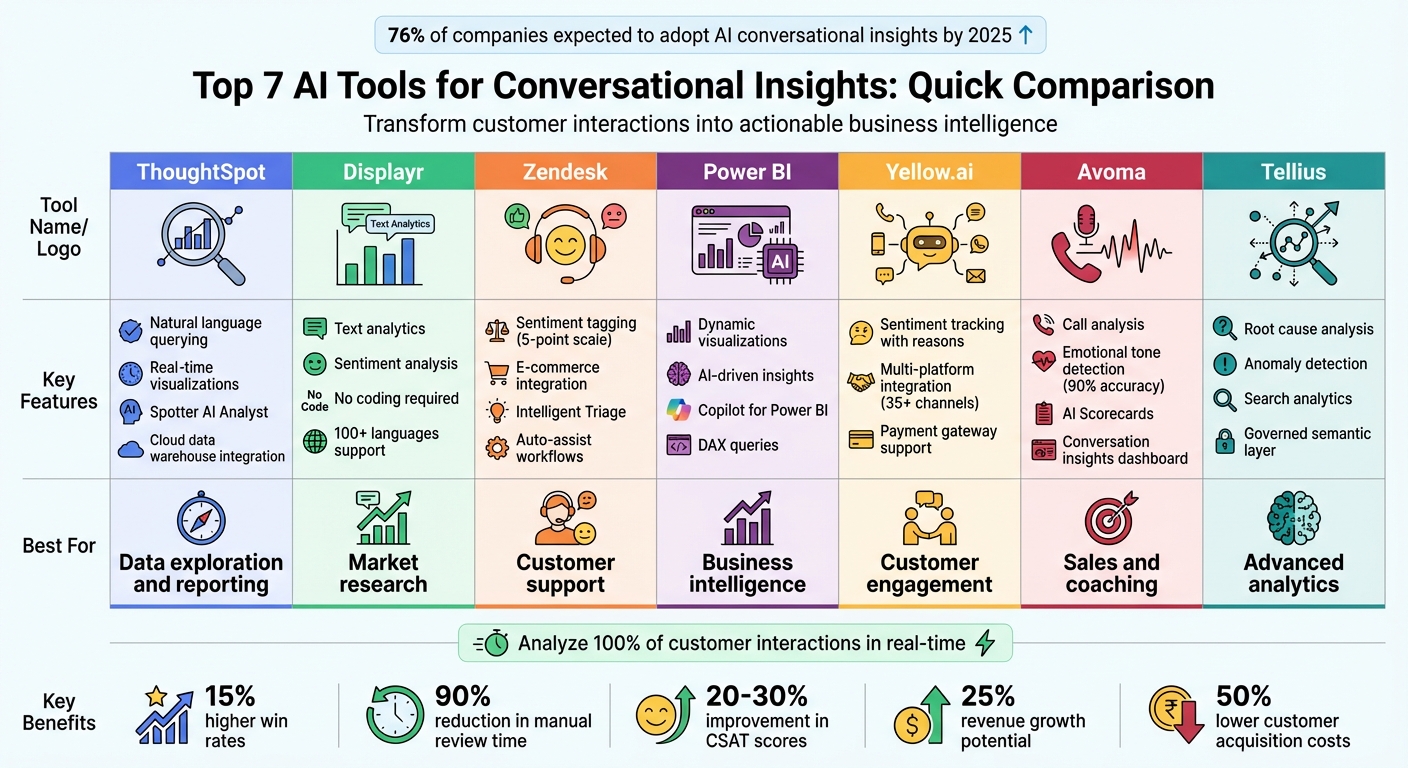
Comparison of 7 AI-Driven Conversational Insights Tools: Features and Best Use Cases
1. ThoughtSpot
Natural language querying capabilities
ThoughtSpot's Spotter AI Analyst makes exploring data as simple as having a conversation. Instead of crafting complex queries, you can type straightforward questions like, "What drove revenue growth last quarter?" or "What are the top-selling products in California?". Its natural language processing (NLP) interprets your intent by recognizing entities like product names or regions, understanding your goal (e.g., comparing or forecasting), and maintaining the context of the conversation.
The system also remembers previous questions, allowing follow-ups to flow naturally. For example, after viewing national sales data, you can ask, "What about California?" without starting from scratch. In November 2025, Verivox, a German online marketplace, adopted ThoughtSpot Embedded, achieving a 70% employee adoption rate across all divisions after replacing two older dashboard systems. These intuitive queries are instantly translated into actionable visuals.
"What used to take a data professional 15 to 20 minutes can be done in seconds with ThoughtSpot running on Google Cloud." - Greg Capodagli, Senior Marketing Manager
Visualization and reporting features
ThoughtSpot transforms conversational queries into visualizations, tables, or text summaries automatically. Its Liveboards provide real-time dashboards that refresh as new data enters your cloud warehouse. This reduces investigation time from 30 minutes to under five minutes.
The platform also includes explainability features, showing the exact data sources, filters, and calculations behind each result - helping users trust AI-driven insights. For advanced users, the Analyst Studio enables deeper exploration by blending conversational tools with custom SQL, Python, and R code. Additionally, ThoughtSpot integrates seamlessly with tools like Slack and Jira, pushing insights directly into the apps where teams already work.
Integration with e-commerce platforms
ThoughtSpot connects directly to cloud data warehouses such as Snowflake, Databricks, and Google BigQuery, delivering real-time insights tailored for e-commerce operations. Its Retail & Ecommerce solution allows businesses to track sales, monitor product performance, and analyze regional trends. For instance, you can ask, "Why did customer churn increase last month?" and receive automated segment comparisons that highlight related factors.
"Before ThoughtSpot, we didn't have a simple way to leverage our cloud data. Now our finance team can quickly get actionable insights with the scale and speed we need." - Vivek Malhotra, Sr. Manager, Customer Development Analytics
sbb-itb-d1a6c90
2. Displayr
Natural language querying capabilities
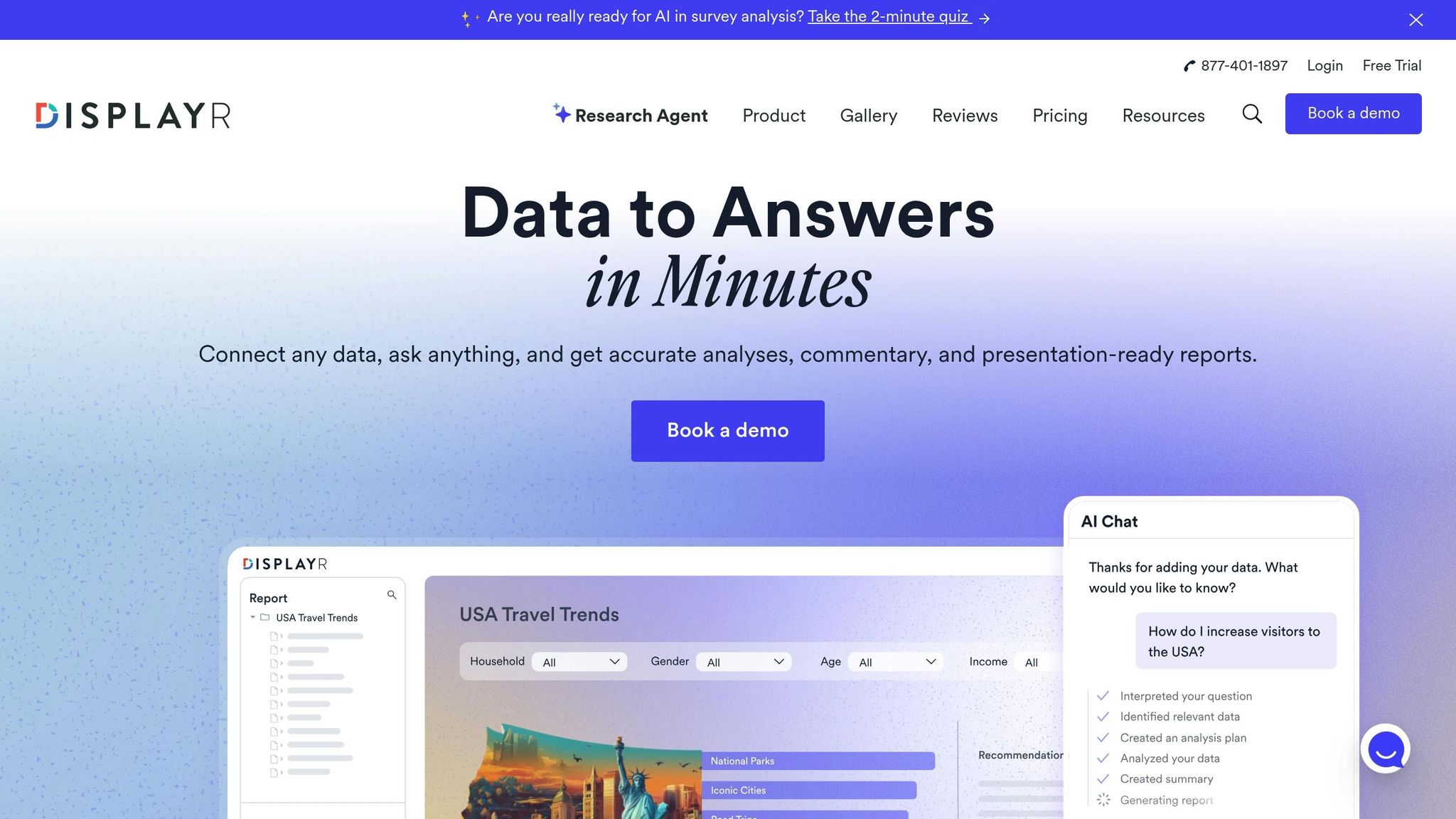
Displayr makes data analysis more intuitive by allowing users to ask questions in plain English, with no need for SQL knowledge. For instance, you can type, "How do I increase visitors to the USA?" and instantly receive actionable insights. Its conversational interface takes things further by letting you refine results with follow-up prompts, such as "split it by region" or "highlight top performers", without starting over.
Unlike tools that rely on keywords, Displayr’s AI understands the context and meaning behind your queries, categorizing text into meaningful themes in over 100 languages [17, 4]. To address transparency concerns, the platform makes all logic, filters, and calculations fully visible. Trusted by over 2,900 research teams worldwide, Displayr’s contextual understanding helps businesses dive deeper into customer emotions.
"Finally text analytics software that finds themes and classifies data better than I can." – Andrew K, Insights Professional
Sentiment analysis and conversational insights
Displayr goes beyond surface-level analysis by identifying nuanced emotions like frustration and sadness, giving businesses a clearer picture of customer motivations. Its thematic coding speeds up text analytics by up to five times, while Research Agents automate everything from data cleaning to reporting. Users have noted that these automated features can reduce reporting time by 76%.
The platform also transforms insights into visual formats like word clouds, charts, and interactive dashboards. These update automatically when new data is added and can be exported directly to PowerPoint, simplifying the presentation process [17, 18].
Integration with e-commerce platforms
Displayr’s capabilities extend to e-commerce by connecting with key data sources such as SQL databases, APIs, Excel, and CSV files. This allows businesses to analyze unstructured data like product reviews and customer feedback. Its AI-powered text analysis categorizes verbatims into dynamic themes, uncovering patterns in customer sentiment across multiple languages.
Designed as a no-code platform, Displayr empowers non-technical teams to conduct advanced market research and consumer analysis without needing specialized skills [18, 19]. With a 4.6/5 rating on G2 from 79 reviews, it’s also recognized as "Best for Market Research & Surveys" [8, 19].
3. Zendesk
Sentiment analysis and conversational insights
Zendesk's Intelligent Triage system, built on data from over 18 billion customer interactions, evaluates support tickets and assigns sentiment ratings on a five-point scale: Very Positive, Positive, Neutral, Negative, and Very Negative. These sentiment ratings are automatically converted into tags (e.g., sentiment__negative), which trigger workflows to prioritize upset customers. This process can save an average of 45 seconds per ticket. For example, in January 2026, online fashion retailer Motel Rocks adopted Zendesk Copilot for sentiment analysis, leading to a 9.44% rise in CSAT scores and a 50% drop in total ticket volume.
Zendesk's AI Copilot also provides real-time sentiment summaries and flags potential churn risks by analyzing interaction patterns, helping teams take proactive steps. Liberty, a luxury goods brand, used Zendesk QA to assess every support interaction. By identifying areas for coaching through AI-driven insights, they maintained an impressive 88% CSAT score.
"I see AI enhancing that personal service because now our customers will be interacting with a human who's being put in front of them at the right time with the right information." - Ian Hunt, Director of Customer Services, Liberty
Zendesk's ability to deliver actionable insights is further amplified by its seamless integration with major e-commerce platforms.
Integration with e-commerce platforms
Zendesk connects with e-commerce platforms like Shopify and Shopware through its Marketplace, allowing support agents to view real-time order histories, loyalty statuses, and customer activities directly in support tickets. The platform's AI-powered "auto assist" features can handle specific tasks, such as processing Shopify refunds or cancellations, based on the intent and sentiment identified in customer messages.
Beyond integration, Zendesk equips users with advanced reporting tools to translate data into meaningful actions.
Visualization and reporting features
Zendesk's analytics tools enable users to create reports in plain English, supported by prebuilt dashboards that provide hourly updates on metrics like workload, CSAT, and AI performance. The Automation Report also tracks common customer intents and evaluates the historical impact of AI. Plans with conversational intelligence features start at $55 per agent per month, billed annually.
4. Power BI
Natural language querying capabilities
Power BI, much like ThoughtSpot and Displayr, allows businesses to turn everyday questions into actionable insights with visually engaging presentations. Its Q&A feature enables users to type questions directly into dashboards or reports in plain language, making data exploration more intuitive. The system uses color codes to indicate the clarity of queries: blue for correct, orange for low confidence, and red for unrecognized inputs.
However, Microsoft plans to phase out the legacy Q&A feature by December 2026, replacing it with Copilot for Power BI, a more advanced generative AI tool. Copilot can handle complex questions like “Top 10 products by sales” or “Which customers bought cheese and wine?”. To maintain accuracy, users should use the "clear chat" button when changing topics to reset the context. For transparency, a dropdown menu shows the fields, measures, and filters Copilot used to generate its answers.
This intuitive querying system makes it easy for Power BI to transform user inputs into meaningful visual insights.
Visualization and reporting features
Power BI excels at turning natural language queries into dynamic visualizations like line charts, bar charts, scatter plots, pie charts, tables, matrices, and maps. Its Copilot feature goes even further, creating entire report pages, generating DAX queries, and producing narrative visuals for quick interpretation.
When interacting with Q&A visuals, selecting a data point triggers cross-filtering and highlighting across other visuals on the same page, ensuring seamless data exploration. Users can convert AI-generated visuals into standard Power BI visuals for extra customization or pin them to dashboards for easy access. Additionally, the Tooling pane helps designers refine the AI’s understanding of business-specific terms by tracking unrecognized words from the past 28 days and allowing the addition of synonyms.
It’s worth noting that Copilot requires a paid Microsoft Fabric capacity (F2 or higher) or Power BI Premium capacity (P1 or higher). A Power BI Pro or Premium Per User license alone won’t suffice.
Intro to Conversational Analytics
5. Yellow.ai
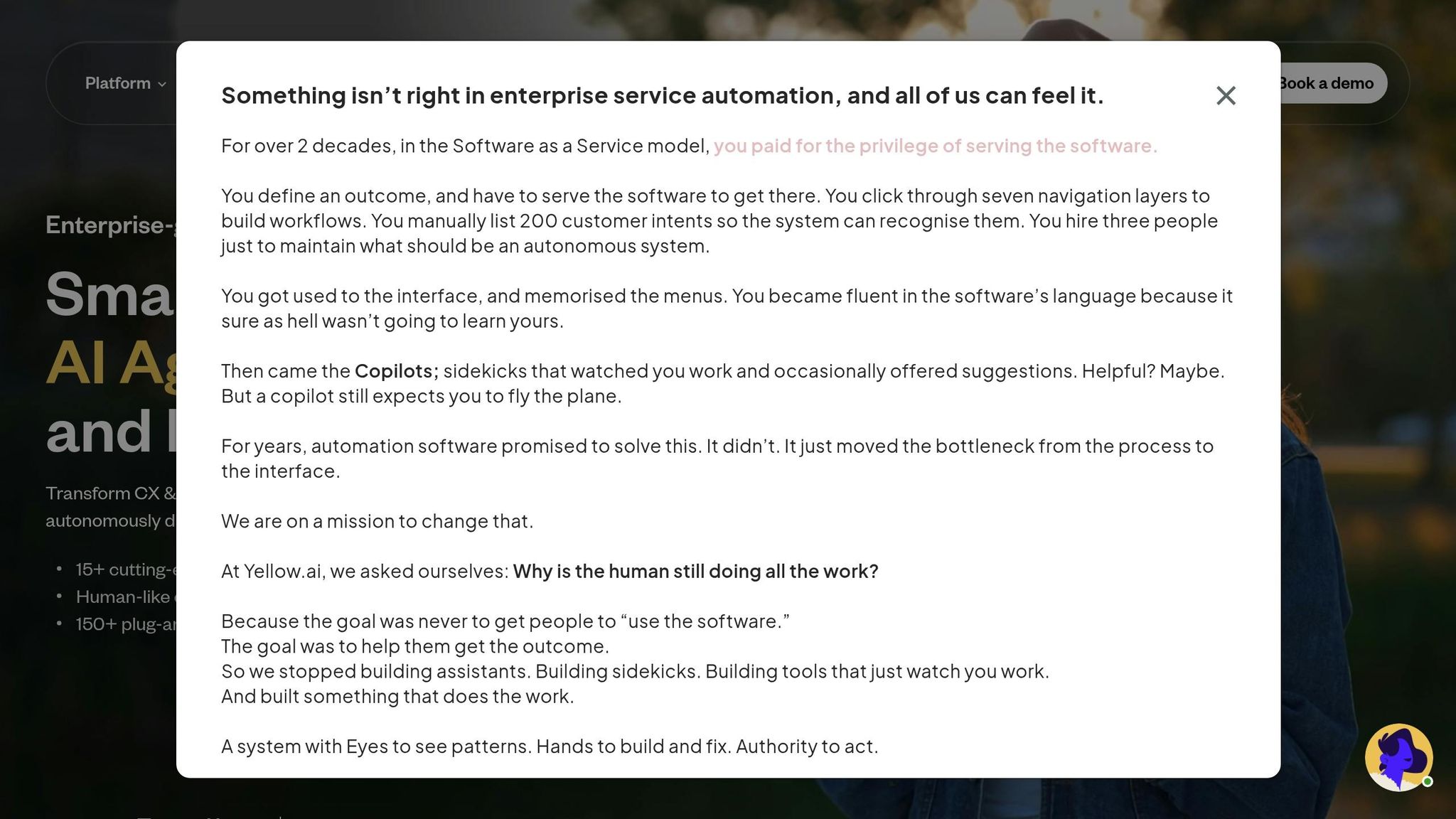
Yellow.ai takes customer interaction analysis to a deeper level with its advanced sentiment tracking and seamless integrations, making it a standout for businesses aiming to refine their customer experiences.
Sentiment analysis and conversational insights
Yellow.ai's in-house LLMs go beyond basic sentiment tracking by providing a "Sentiment Reason" for every interaction. This feature doesn't just highlight that a customer is frustrated - it reveals why they feel that way. Conversations are automatically grouped into topics like "Refund Policy" or "Technical Support", offering clear insights into what drives customer satisfaction or dissatisfaction.
The timeline view is a powerful tool for tracking sentiment trends over time, helping teams assess whether recent bot or policy updates have positively impacted customer experiences. Support teams can also filter conversation logs by sentiment, making it easier to identify negative interactions and locate gaps in automation. These tools have enabled businesses to cut down support tickets by 30% and achieve a 10% higher containment rate by continuously refining their knowledge base and AI agent capabilities.
"Yellow.ai Analyze is designed to take your AI agent's capabilities to the next level by continuously driving higher automation through in-depth conversation analysis." - Pritika Ramani, Product and Customer Marketing Expert, Yellow.ai
This level of conversational insight perfectly complements its e-commerce capabilities.
Integration with e-commerce platforms
Yellow.ai integrates seamlessly with leading e-commerce platforms, using its enriched sentiment data to improve customer transactions in real time. The platform supports plug-and-play integrations with Shopify, WooCommerce, Magento, and Capillary. Additionally, it connects with payment gateways like Razorpay, PayU, Paytm, and Setu, allowing customers to complete transactions within the chat interface, which helps reduce cart abandonment rates.
With compatibility across 35+ voice and text channels - including WhatsApp, Facebook, and SMS - customers can interact on their preferred platforms. For example, Sony India adopted Yellow.ai's voice AI agent with deep CRM integration. This system collects, records, and analyzes user data in real time. Vishal Mathur, National Head of Customer Service at Sony India, shared:
"With deep back-end integration with the Sony CRM, the voice AI agent collects, records and analyzes user information to deliver personalized experiences. We are pleased to join hands with Yellow.ai for their support in taking Sony's exceptional customer service support a notch higher".
Visualization and reporting features
Yellow.ai's Data Explorer tool provides actionable insights through 10+ prebuilt datasets and customizable widgets, all displayed on shareable dashboards. The Topics Module uses AI to group conversations, offering detailed descriptions, sentiment breakdowns, and automation opportunity scores to pinpoint areas where manual support can be replaced.
Key metrics like deflection rate, Goal Completion Rate (GCR), CSAT, and First Response Time (FRT) are tracked on real-time dashboards. To ensure data accuracy, the platform excludes conversations with fewer than three messages from topic analysis. For voice agents, Yellow.ai provides both text transcripts and links to recordings, making it easier for teams to review interactions.
6. Avoma
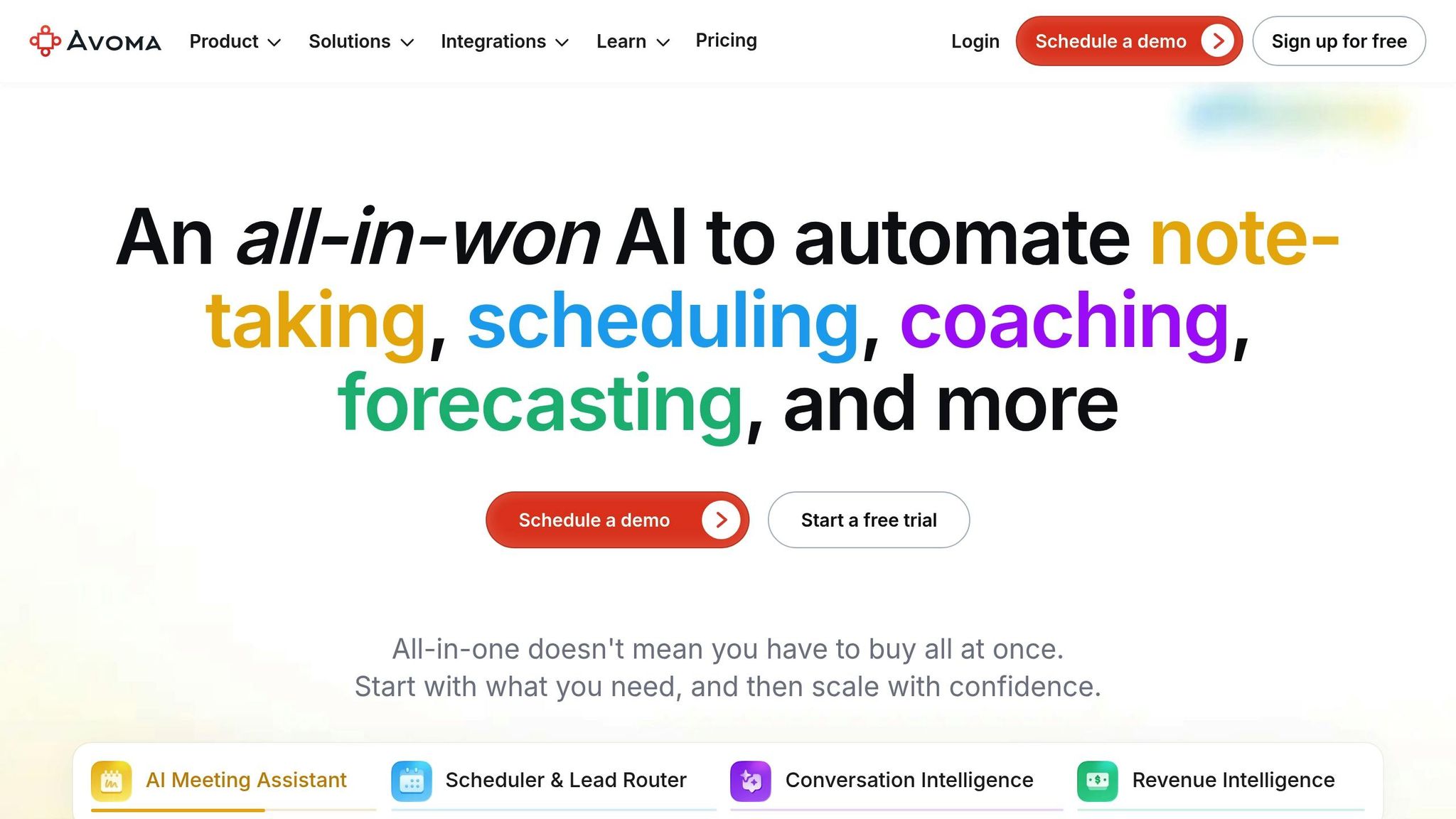
Avoma takes customer calls and turns them into actionable coaching insights, delivering up to 90% accuracy in detecting emotional tones like enthusiasm, hesitation, or frustration. It transforms routine conversations into learning opportunities for sales and customer success teams.
Natural language querying capabilities
With the "Ask Avoma" feature, teams can quickly locate specific calls by typing straightforward queries such as "show me calls with negative sentiment" or "find conversations where pricing objections were discussed." This makes finding relevant insights fast and easy.
Sentiment analysis and conversational insights
Avoma leverages its natural language processing (NLP) technology to analyze tone shifts, moments of hesitation, and enthusiasm markers throughout each call. It visually highlights key emotional points, helping teams pinpoint critical moments. Sentiment data is processed within minutes after a call ends, and the platform can even analyze historical recordings to set baseline metrics. This enables teams to identify potential churn risks early and recognize which reps excel at building trust through empathy.
"I can tell you that our top sales people couldn't live without Avoma." - Tim Powers, Director of Business Development
Visualization and reporting features
Avoma's Conversation Insights Dashboard organizes data into key categories like Interactions, Topics, Trackers, and Custom Trends. The Interactions tab provides metrics such as talk-to-listen ratios and filler word usage. Topic Intelligence breaks down time spent on essential subjects like pricing, demos, or introductions. Meanwhile, the Engagement Dashboard tracks metrics like total listening time and the percentage of reviewed calls. To top it off, Avoma's AI Scorecards evaluate every call using frameworks like MEDDIC or SPICED, improving deal win rates by as much as 40%.
7. Tellius
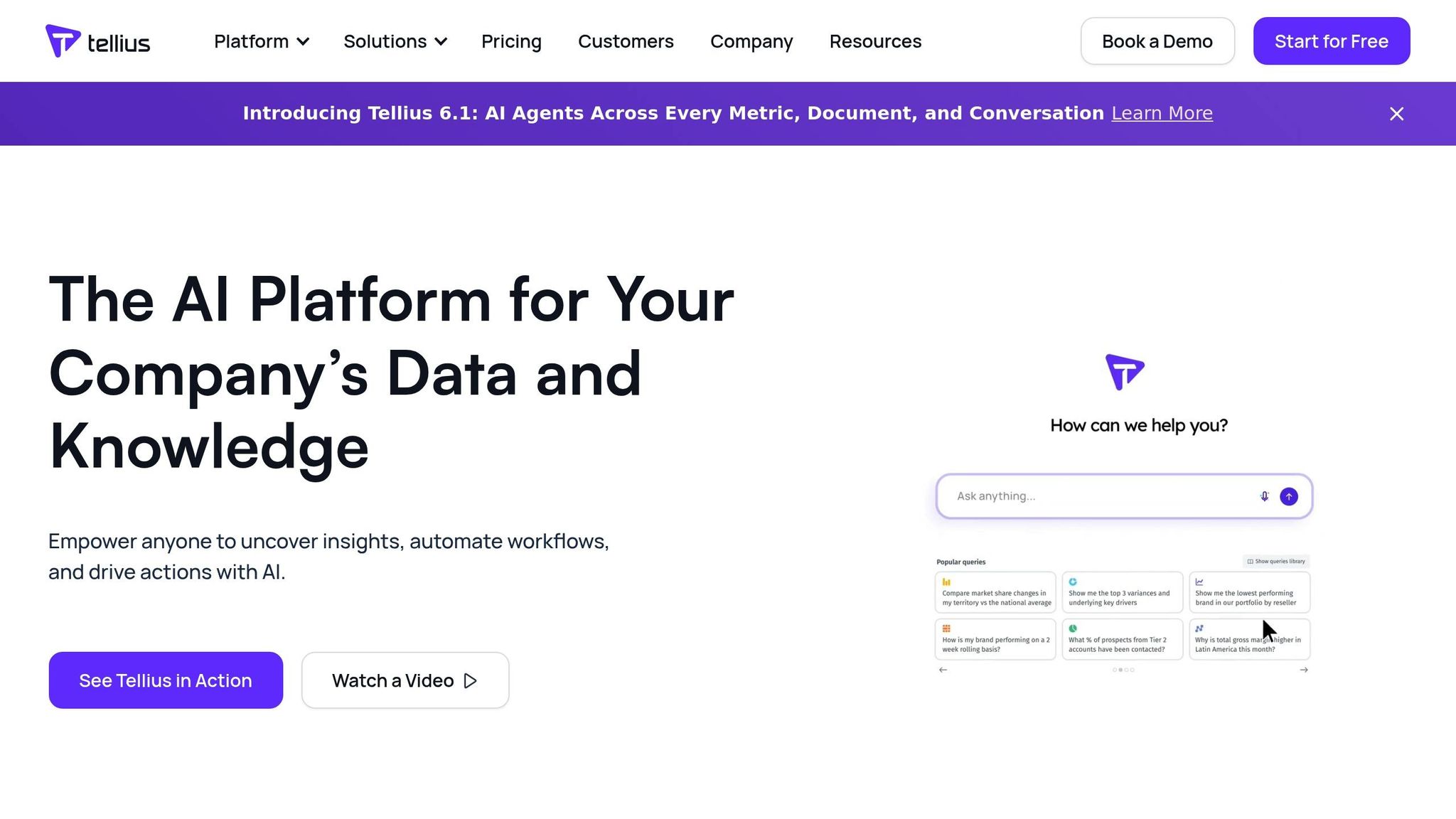
Tellius takes search analytics to the next level by not only answering "what" happened but also uncovering "why" metrics shift. It achieves this through a governed semantic layer that aligns with your organization's definitions of metrics, terms, and hierarchies. This ensures that natural language queries are accurate and consistent with your internal standards. This approach tackles a major issue: standard chat-based AI fails in 78% of queries due to inconsistent definitions and calculation errors.
Natural Language Querying Capabilities
Tellius keeps the context intact during conversations, making follow-up queries like "now break that out by territory" seamless. The platform understands what "that" refers to without requiring users to start over. It integrates anomaly detection, root cause analysis, and narrative generation into a single conversational workflow. What traditionally takes 3–5 business days for root cause investigations is reduced to just minutes with Tellius.
"We expected months of training, yet everyone was onboard in days, cutting weekly reporting time by 30%." - Director of FP&A, Software Company
These capabilities make complex data analysis faster and more intuitive.
Integration with E-Commerce Platforms
Tellius goes beyond querying by consolidating data from multiple sources into one interface. It offers specialized System Packs for industries like CPG and retail, complete with pre-built connectors for data sources such as Nielsen and Circana. Its built-in understanding of industry-specific hierarchies empowers marketing teams to ask detailed questions, like segment performance comparisons. As a Marketing Analytics Lead from a National Retailer & eCommerce Organization put it, "No more guesswork. We type a question - like 'Which segments respond best to our premium line?' - and watch AI unify all the data. It's a total game-changer".
Visualization and Reporting Features
Tellius transforms queries into dynamic, real-time dashboards using its Vizpads feature. It also excels at root cause decomposition, ranking contributing factors with quantified impact scores to explain KPI changes clearly. This level of automation drastically reduces the time spent on manual data analysis. For example, tasks that once took over 20 hours can now be completed in under 30 minutes, with organizations reporting a 95% reduction in analysis time. Moreover, the platform can process and drill down into over 1 billion rows of data instantly.
Trusted by eight of the top ten pharmaceutical companies worldwide, Tellius has earned recognition as a Gartner Magic Quadrant Visionary for four consecutive years (2022–2025).
Conclusion
Instead of relying on quarterly surveys that only capture fragments of customer feedback, AI-powered conversational insights analyze 100% of interactions - whether through chat, email, or voice - in real time. This evolution, often referred to as "VoC 2.0", enables businesses to detect early signs of churn, deliver personalized experiences at scale, and address problems before customers even consider leaving. This comprehensive approach can lead to measurable improvements across the board.
For example, these platforms can drive 15% higher win rates, reduce manual review time by 90%, and improve CSAT (Customer Satisfaction) scores by 20-30%. In the e-commerce space, unifying data from diverse sources - like support tickets, social media comments, and sales calls - creates a single, reliable source of truth. This not only streamlines decision-making but also helps companies achieve smarter outcomes. Businesses that adopt AI-driven personalization strategies often report up to 25% revenue growth and 50% lower customer acquisition costs.
When choosing a conversational insights tool, it’s essential to align the platform with your specific goals - whether it’s enhancing sales coaching, improving support efficiency, or ensuring compliance. Integration with your existing CRM and workflows is another key consideration. A majority (73%) of agents say that AI copilots significantly improve their job performance when seamlessly integrated into their current systems. Scale matters too: startups might prefer lightweight solutions starting at around $19 per user per month, while larger enterprises with high call volumes may require advanced platforms with custom pricing and robust security features.
Industries leveraging AI see triple the revenue growth per employee. Companies like ThoughtSpot, Displayr, Zendesk, Power BI, Yellow.ai, Avoma, and Tellius illustrate how conversational insights can turn customer interactions into measurable business growth. Whether you’re running a small business or managing an enterprise, the right tool can transform customer data into actionable results. Testing these tools with your own data can deliver tangible ROI in as little as three to six months.
FAQs
How do I choose the right conversational insights tool for my business goals?
When choosing a tool, begin by pinpointing your main objective - whether it’s boosting sales, enhancing customer support, or streamlining operations. Many tools are designed with specific purposes in mind, so this step is crucial. Focus on features that directly support your goals, like high transcription accuracy, real-time capabilities, or CRM integration. Also, consider how well the platform can analyze interactions across multiple channels. Finally, review feedback from other users to ensure the tool aligns with your requirements and budget, giving you the best results for your investment.
What data is needed to get useful conversational insights?
To extract useful insights from conversations, you'll need access to conversation data like transcripts or audio files. These should clearly identify participants and include detailed message information. Once gathered, this data can be uploaded to a platform or API for analysis. Organizing the data in a clear and structured way is key to improving the accuracy and depth of the insights you can uncover.
How can I measure ROI from conversational insights in 3–6 months?
To determine ROI from conversational insights within 3 to 6 months, focus on tracking key metrics such as cost savings, improved support resolution rates, customer engagement levels, and time saved. Implement pilot programs and leverage analytics dashboards to validate results, like lower staffing expenses or higher conversion rates. Prioritize measurable outcomes to evaluate performance accurately.