In 2025, mobile apps are transforming how U.S. sales teams operate. These tools provide instant access to customer data, automate repetitive tasks, and improve productivity on the go. Whether you’re managing leads, optimizing field sales, or tracking team performance, there’s an app tailored to your needs. Here’s a quick overview of the best options:
- Salesforce Sales Cloud: Best for enterprise-level customization with AI insights. Starter Suite is $25 per user per month.
- HubSpot Sales Hub: Great for inbound sales and automation. Free for up to 2 users; Starter is $20 per seat per month month-to-month, $7 billed annually.
- Zendesk Sell: No longer an option. Zendesk stopped selling it to new customers in September 2025 and retires it on 31 August 2027.
- SPOTIO: Ideal for field sales with territory management and GPS tools. Quote-only, per user, minimum five reps.
- SalesRabbit: Designed for high-volume field sales with gamification features. Team $59 per user per month; Pro $75 monthly or $49 billed annually, plus a paid implementation package.
- Zoho CRM: Free for up to 3 users, then four paid editions priced per user.
- LeadSquared: Built for remote teams with location-based lead assignments. No published per-user rate for the sales CRM.
A note on the prices below. Every figure was checked against the vendor’s own pricing page in August 2026. Where a vendor does not publish a rate, we say so instead of guessing. Confirm the current number with the vendor before you budget against it.
Quick Comparison:
| App | Key Features | Pricing (USD) | Best For |
|---|---|---|---|
| Salesforce Sales Cloud | AI insights, custom dashboards | $25/user/month (Starter Suite) | Enterprise customization |
| HubSpot Sales Hub | Inbound sales, marketing integration | Free (2 users); $7–$20/seat/month (Starter) | Automation and ease of use |
| Zendesk Sell | Offline sync, mobile-first design | Withdrawn from sale | Nobody — retiring 31 Aug 2027 |
| SPOTIO | Territory management, GPS tracking | Quote only | Field sales |
| SalesRabbit | Route planning, gamification | $49–$75/user/month | High-volume field sales |
| Zoho CRM | Affordable, AI assistant | Free tier; paid per user | Budget-friendly teams |
| LeadSquared | Location-based lead assignment | Custom pricing | Remote and distributed teams |
Choose a mobile app that aligns with your team’s goals, integrates with your CRM, and fits your budget. The right choice can improve efficiency, reduce manual work, and help close deals faster.
What to Look for in Mobile Sales Apps
The right mobile sales app takes admin off reps and puts current data in their hands. To choose the best fit, focus on features that directly enhance productivity and align with your team’s goals. The apps worth paying for combine clean integration, practical tools for fieldwork, and security that stands up to scrutiny.
CRM Integration and Workflow Automation
A great mobile sales app should connect cleanly with popular CRMs like Salesforce, HubSpot, and Zoho. Look for apps that use AI-driven automation to handle tasks like lead scoring and assigning follow-ups, reducing the need for manual input. This not only saves time but also ensures your team stays focused on high-value activities.
Customizable automation is a key feature. For example, Zoho CRM’s AI assistant, Zia, can forecast deal outcomes and suggest next steps, while automated task assignments ensure no lead is overlooked. The goal is to eliminate repetitive data entry while maintaining a clear view of your sales pipeline.
Good APIs are another must-have. They let the app connect to the rest of your tech stack, support tailored workflows, and ensure your data stays consistent across platforms. This is especially crucial for teams juggling multiple business systems.
But it’s not just about backend efficiency. Mobile apps also need to deliver practical, on-the-ground tools for field teams.
Field Sales Features
Field reps face challenges that office-based teams don’t, so specialized tools are essential. GPS-powered route planning, for instance, helps reps streamline their schedules and cut down on travel time between appointments.
Apps like SPOTIO and SalesRabbit excel in this area. SPOTIO offers advanced territory management tools, allowing managers to assign accounts geographically and identify market gaps. SalesRabbit’s route planning features help reps maximize the number of visits they can make in a day.
Offline functionality is another critical feature, especially for teams working in areas with limited internet access. Apps like SalesRabbit and SPOTIO allow reps to update pipelines, log calls, and manage tasks without a connection. Once they’re back online, all updates sync automatically, so no data is lost.
Real-time tracking tools provide managers with insights into field activities without micromanaging. These features let managers monitor visit patterns, call volumes, and territory coverage, while still giving reps the flexibility to manage their schedules.
For teams focused on high-volume prospecting, digital canvassing tools are invaluable. These allow reps to gather lead details, update statuses, and manage prospects directly from their mobile devices – perfect for door-to-door sales or businesses with aggressive growth goals.
Real-Time Reporting and Data Security
Live dashboards and custom reporting keep everyone on the same page. SPOTIO offers detailed insights into rep activities and territory performance, while platforms like Ambition turn CRM data into motivational leaderboards and coaching tools.
The best apps allow you to tailor reports to your team’s KPIs, providing both individual and team-wide analytics. This level of customization supports smarter, data-driven decisions across your organization.
Data security is non-negotiable. Ensure the app complies with U.S. regulations like the California Consumer Privacy Act (CCPA) and includes top-tier security features like end-to-end encryption, multi-factor authentication, and role-based access controls.
Platforms like Salesforce Sales Cloud and HubSpot Sales Hub prioritize security with regular audits and clear privacy policies. When evaluating apps, review their certifications and data handling practices to safeguard both company and customer information.
A cloud-based setup with secure connection protocols ensures your team can access critical data from anywhere, all while maintaining the highest security standards. This is especially important as hybrid and remote work models continue to reshape sales operations across the U.S.
Best Mobile Apps for Sales Teams in 2025
Mobile sales apps have come a long way, now offering AI-driven insights, advanced automation, and direct CRM integration. Here’s a look at the apps worth considering.
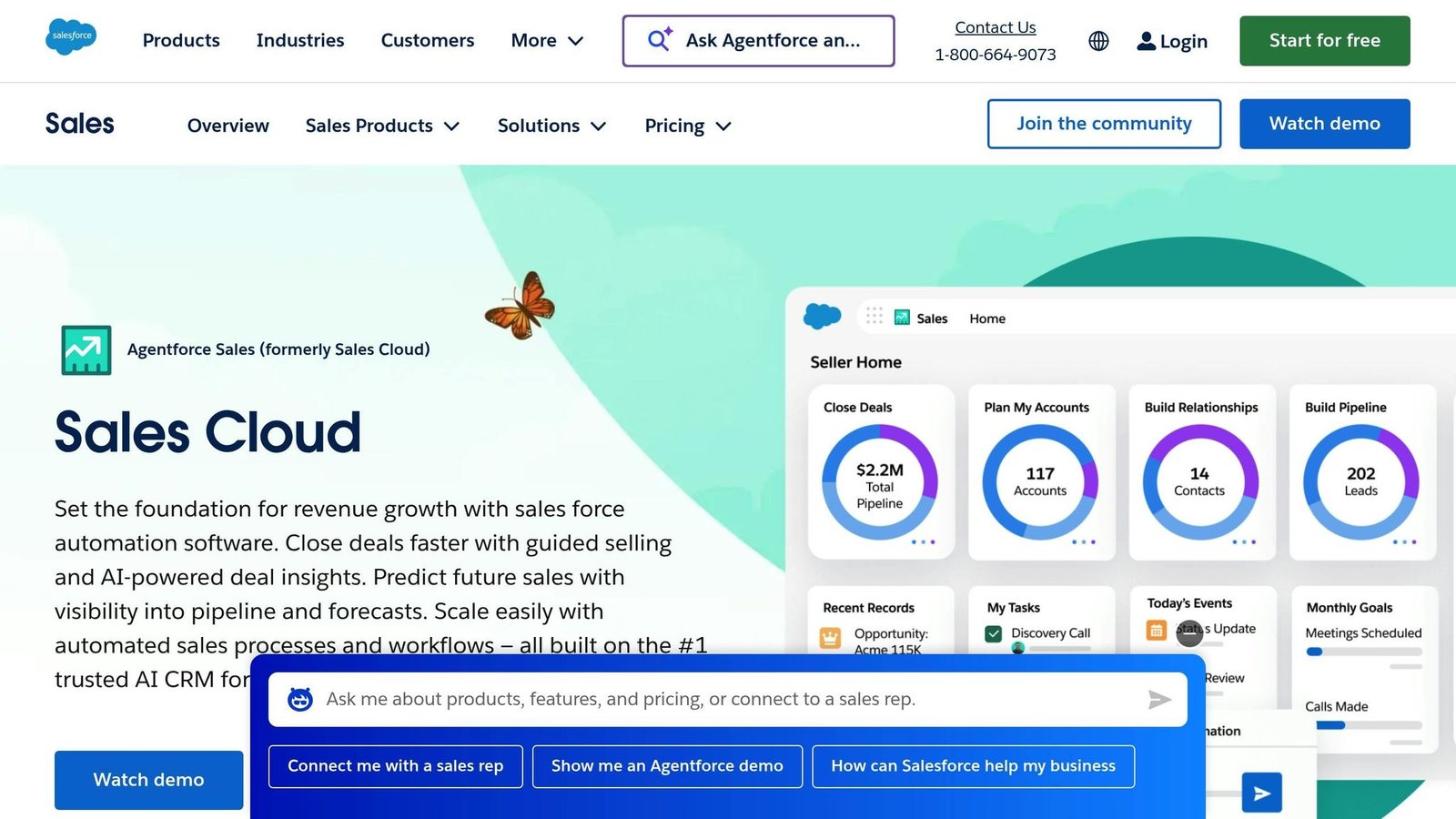
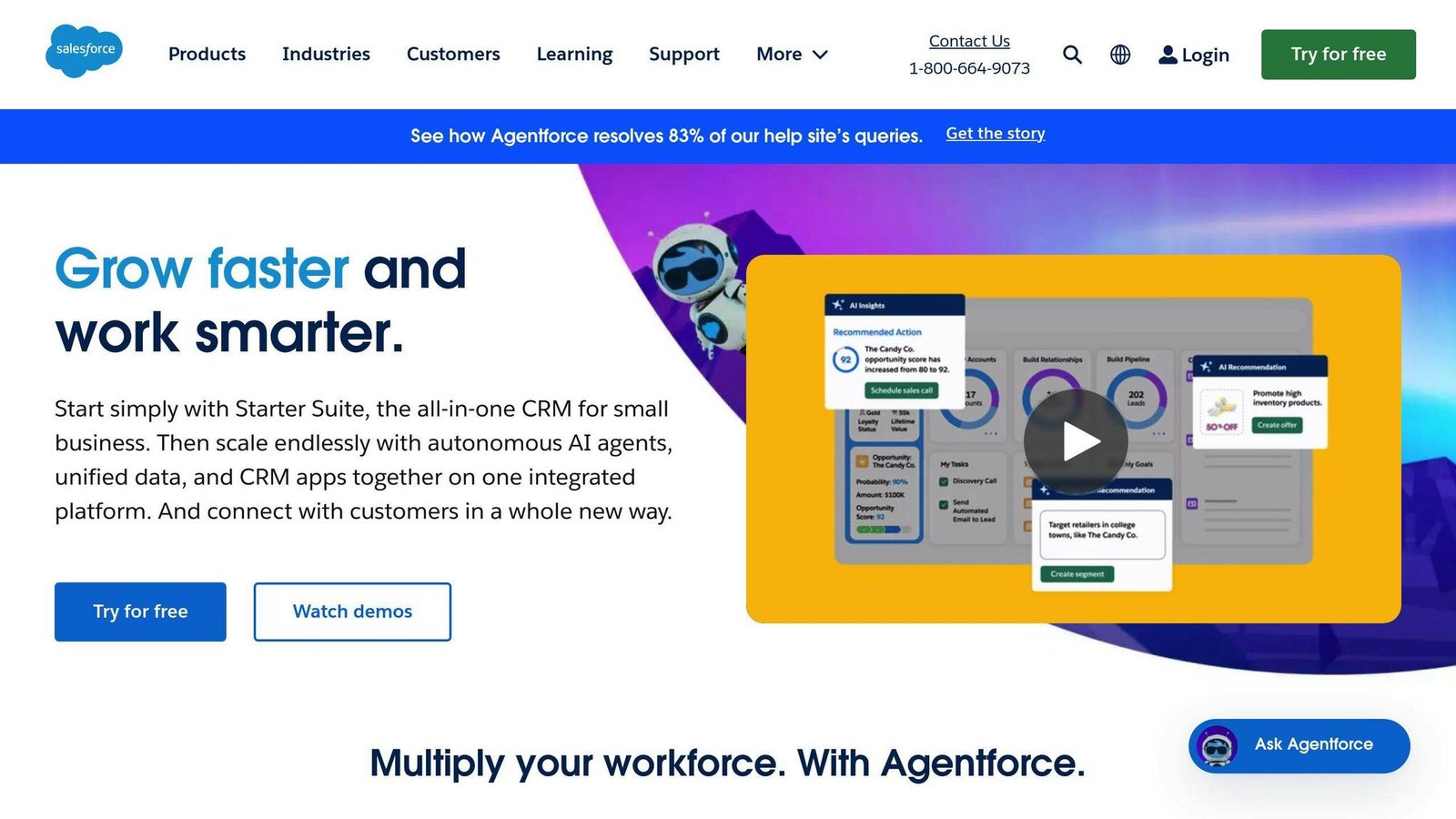
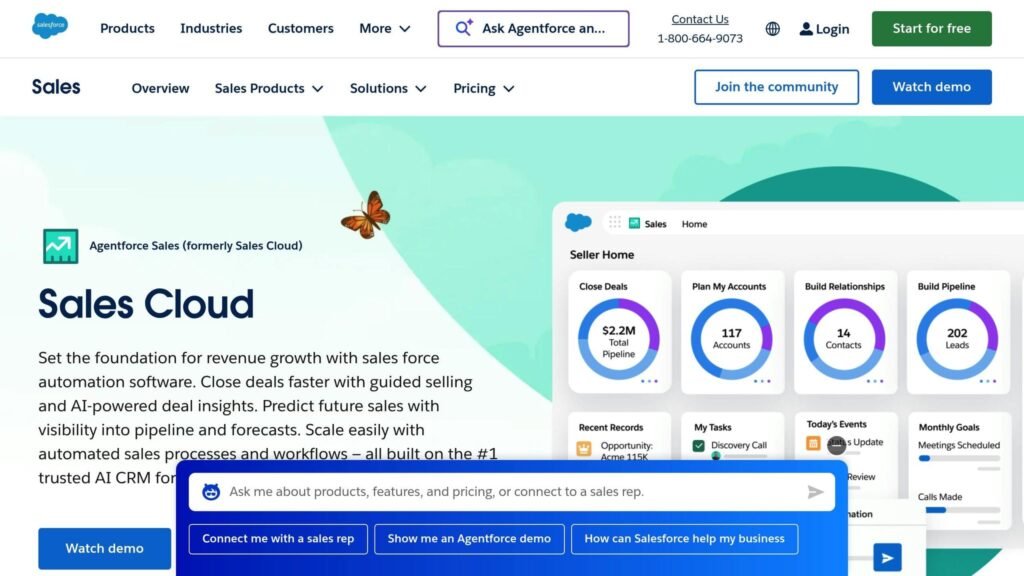
Salesforce Sales Cloud is the default choice in large sales organisations, and its mobile app offers highly customizable dashboards tailored to your workflows and KPIs. The AI-powered analytics help sales reps focus on high-value opportunities by delivering predictive insights. Plus, features like real-time notifications and offline access keep field teams efficient, even in areas with poor connectivity. The app also integrates effortlessly with a wide range of third-party tools, making it a go-to choice for more intricate sales environments.
The entry tier is Starter Suite at $25 per user per month, billed monthly or annually at the same rate. Essentials, the name you will see on older comparison articles, no longer exists. The step up matters: Pro Suite is $100 per user per month on an annual commitment and Enterprise is $175, so price the tier that actually has the features you need rather than the one on the banner.
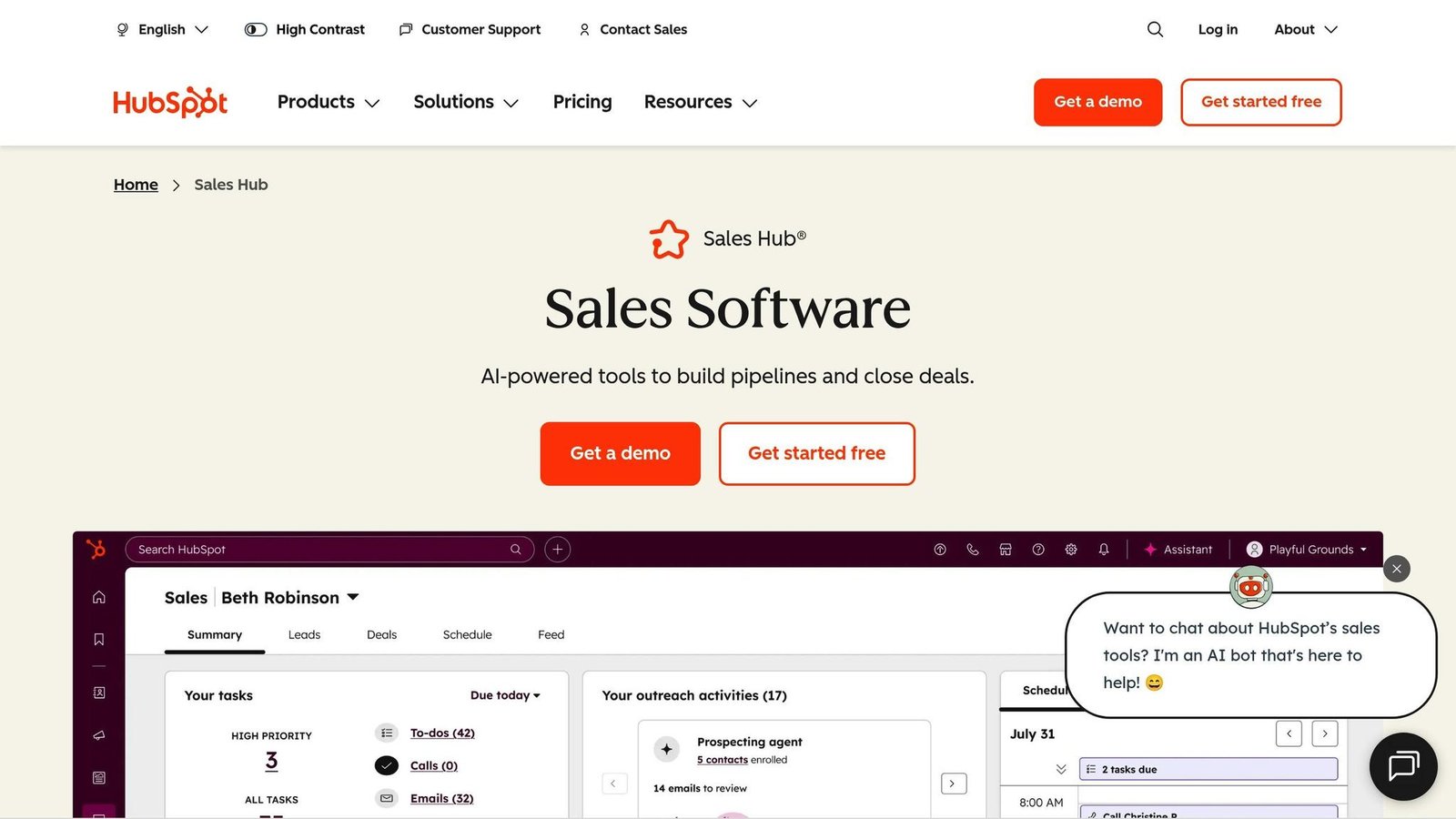
HubSpot’s mobile app is known for its intuitive design and strong focus on inbound sales. Reps can automate outreach, track email engagement, and schedule meetings – all from their phones. The free tier covers up to 2 users and gives you contact management and email tracking. Starter is $20 per seat per month month-to-month, or $7 per seat per month billed annually. Professional is $100 per seat per month monthly, $90 billed annually, and carries a one-off $1,500 onboarding fee — budget for that, because it is easy to miss. Its marketing integration gives you a full view of the customer journey, helping reps close deals faster.
Zendesk Sell is on this list because it is still on plenty of shortlists, not because you can buy it. Zendesk stopped selling it to new customers on 9 September 2025 and will retire the product and its mobile app on 31 August 2027, after which remaining data is deleted. Zendesk has partnered with Pipedrive as the migration route for existing customers.
We are not quoting a price, because there is no longer one you can sign up for. If you are already on Sell, the work to do now is exporting your data and choosing a replacement while you still have time to do it calmly. If you are shopping fresh, skip it.
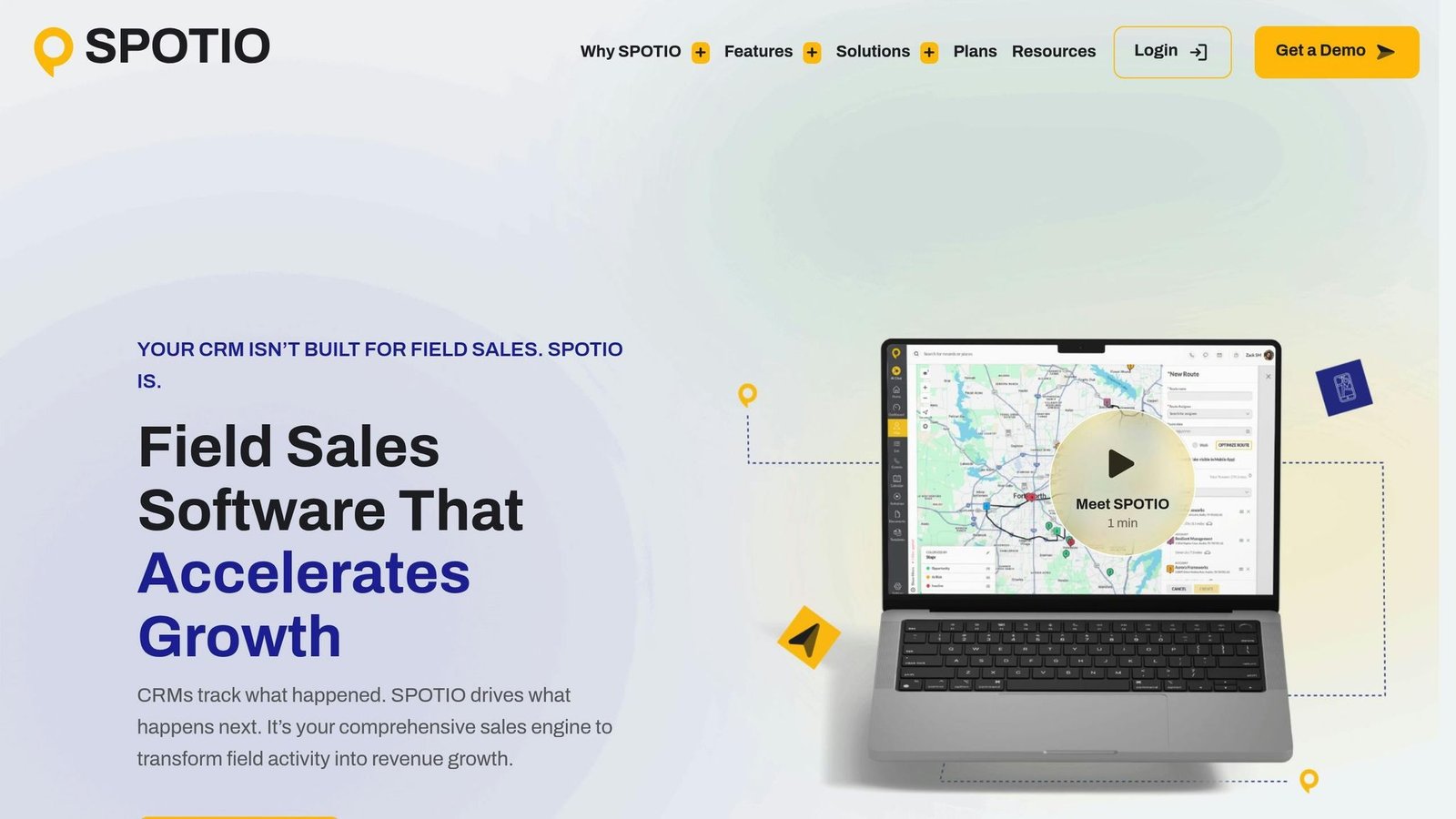
SPOTIO stands out with its territory mapping and live dashboards for real-time performance tracking. Managers can assign leads based on geography, monitor rep activity, and spot coverage gaps using its visual tools. Field reps benefit from GPS tracking and route planning, which help them maximize daily visits while cutting down on travel time.
SPOTIO does not publish rates. Pricing is per user and quoted per team, it sells B2B and B2C packages plus a custom option, and it will not take teams smaller than five field reps. Two different figures for SPOTIO used to appear in this article; neither could be traced to SPOTIO, so both have been removed. Get a quote and ask what is included before you compare it with anything.
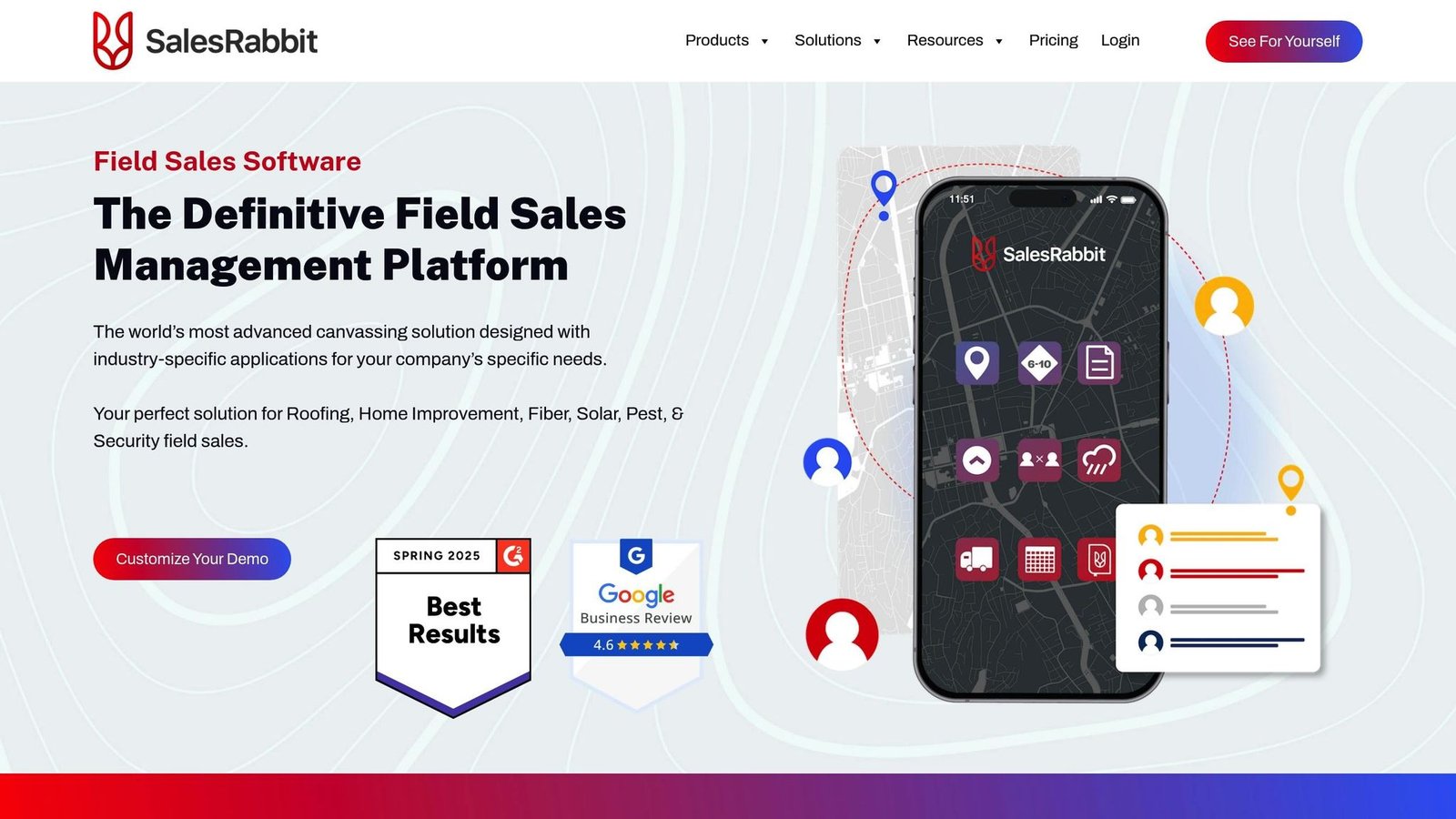
SalesRabbit is built for high-volume prospecting and field sales. Its route planning tools help reps organize their schedules for peak efficiency, while the Amplify module adds a gamified twist with leaderboards and rewards to keep teams motivated. The app supports offline data entry, making it ideal for door-to-door or remote sales teams. Reps can also manage leads, update statuses, and handle follow-ups directly from their mobile devices.
Team is $59 per user per month billed monthly. Pro is $75 per user per month billed monthly, or $49 per user per month if you commit to a year — so the $49 figure quoted around the web is the annual rate for the higher tier, not a starting price. Add-ons like DataGrid AI and Digital Contracts are charged separately per user, and SalesRabbit requires a paid implementation package on top. Price the whole thing, not the headline seat.
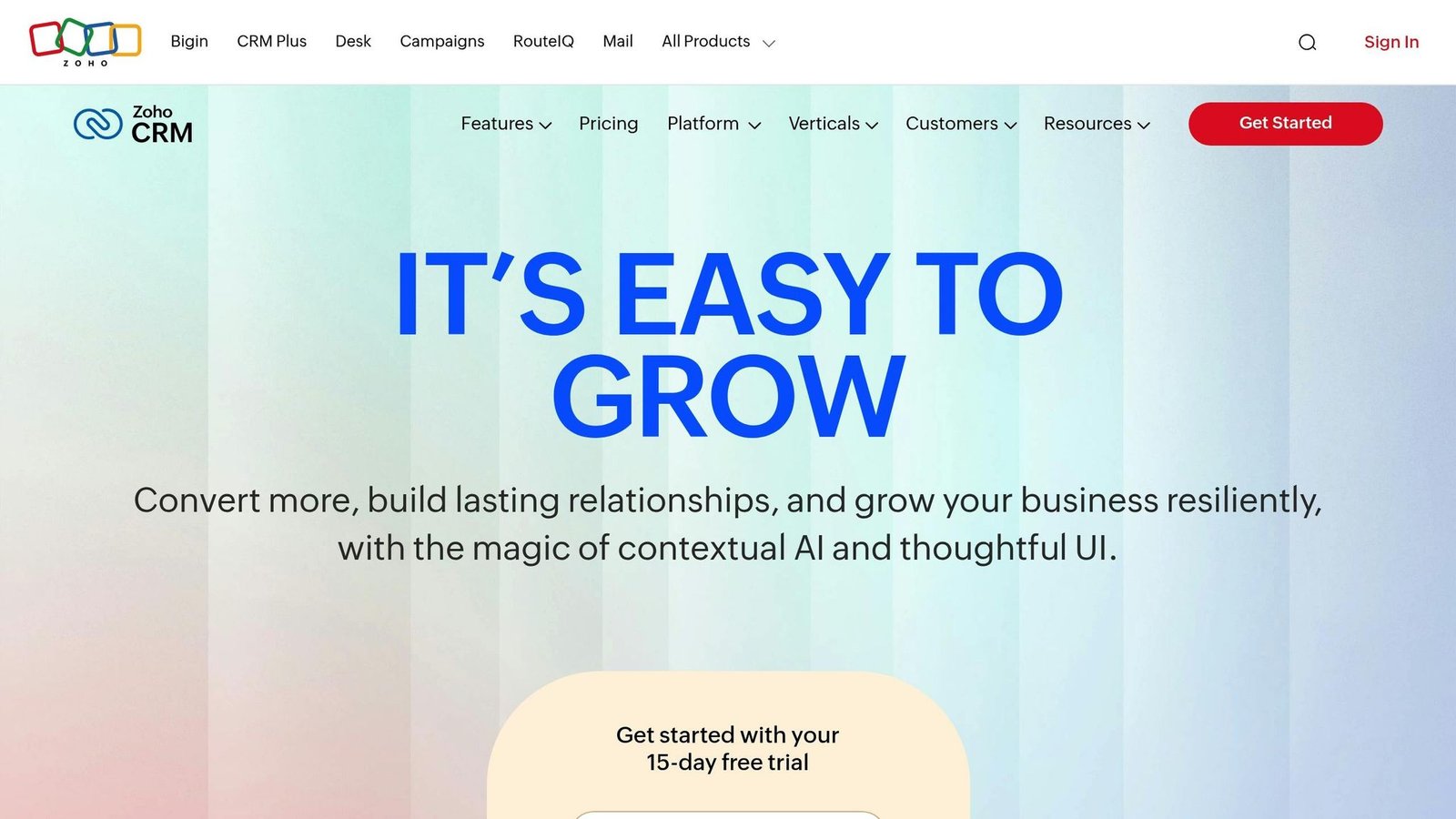
Zoho CRM is the cheap end of this list and does not feel like it. Its mobile app offers extensive customization options, allowing teams to adapt workflows and dashboards to their specific needs. The built-in AI assistant, Zia, provides lead scoring, deal predictions, and actionable recommendations to help reps focus on what matters most. Designed with mobile-first functionality and offline access, it holds up away from a desk. There is a free edition for up to 3 users and four paid editions — Standard, Professional, Enterprise and Ultimate — priced per user, with roughly a third off for annual billing. Zoho served us regional pricing rather than a US rate when we checked in August 2026, so we are not quoting a dollar figure; use Zoho’s currency selector for your own.
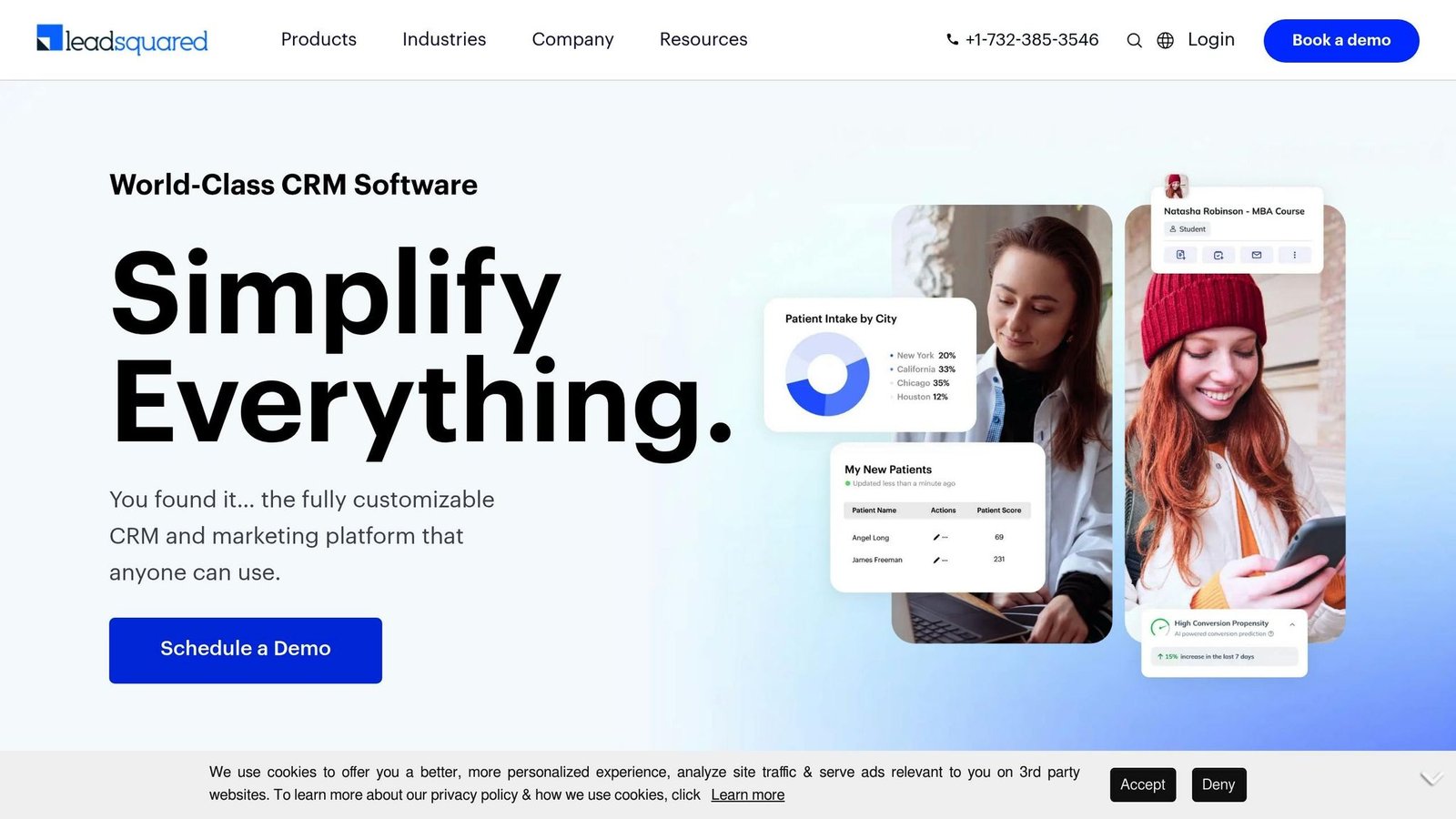
LeadSquared is tailored for remote and distributed sales teams, addressing the unique challenges of managing geographically spread-out reps. Its location-based lead assignment automatically connects prospects with the nearest available rep, improving response times and boosting conversions. Task alerts and real-time activity tracking keep managers in sync with their teams without being overbearing. The mobile app allows reps to update lead statuses, log calls, and manage pipelines from anywhere, with automatic syncing to the central CRM. LeadSquared does not publish a per-user rate for its sales CRM; the plans it does publish are billed per account per year. That means a sales call before you get a number.
App Comparison Chart
Selecting the right mobile sales app can be tricky, especially with so many options to choose from. To make this process easier, the comparison below highlights key features, pricing, and other essential details to help you find the perfect fit for your sales team.
Feature Comparison Table
| App | Key Features | CRM Integration | Pricing (USD) | Field Sales Support | AI/Automation | U.S. Compatibility | Pros | Cons |
|---|---|---|---|---|---|---|---|---|
| Salesforce Sales Cloud | Custom dashboards, predictive analytics | Native Salesforce with extensive support | $25/user/month (Starter Suite) | Limited | Einstein AI insights | Full support | Highly customizable, market leader | Complex setup, higher cost |
| HubSpot Sales Hub | Inbound sales tools, email tracking, meeting scheduler | Native HubSpot with marketing integration | Free (2 users); Starter $7–$20/seat/month | Moderate | Workflow automation | Full support | User-friendly with strong marketing tie-in | Limited customization in lower tiers |
| Zendesk Sell | Mobile-first CRM with offline sync | Native platform with API connections | Withdrawn from sale | Strong | Workflow automation | Full support | Good mobile experience while it lasts | Retiring 31 Aug 2027; closed to new customers |
| SPOTIO | Territory management, live dashboards, real-time rep tracking | API integration with calendar sync | Quote only, 5-rep minimum | Excellent | Limited | Full support | Leading field sales solution | Higher price point, niche focus |
| SalesRabbit | Route planning, gamification, canvassing tools | API connections | $49–$75/user/month + implementation | Excellent | Gamified coaching system | Full support | Purpose-built for field teams | Best suited for high-volume operations |
| Zoho CRM | Custom workflows and extensive integrations | Native Zoho suite | Free tier; paid per user | Moderate | Zia AI assistant | Full support | Most affordable and highly customizable | Thinner at large-enterprise scale |
| LeadSquared | Task automation and lead management | API integration | Custom pricing | Moderate | Flexible automation | Full support | Great for distributed teams | Pricing transparency issues |
The table above outlines the main differences between these apps, but let’s dig a little deeper to help guide your decision. For budget-conscious teams, Zoho CRM stands out: a free edition for three users and paid editions that undercut most of this list. On the other hand, SPOTIO and SalesRabbit cater specifically to field sales teams, providing advanced tools like territory management and route planning – features that justify their higher price points.
For enterprise-level needs, Salesforce Sales Cloud leads on customization, at a price. HubSpot Sales Hub ties sales and marketing together in one place, which suits teams that want both in one system. Zendesk Sell is not a candidate: it is closed to new customers and retires in August 2027.
All the apps reviewed here are designed to meet U.S. standards for pricing, date formats, and data privacy regulations (like CCPA). Ultimately, the right choice depends on your team’s specific workflows and priorities. While a lower-priced app might seem appealing, investing in specialized tools with advanced features could yield a better return on investment in the long run. Use this comparison as a foundation to integrate the most suitable mobile sales app into your business operations.
How to Add Mobile Sales Apps to Your Business
Getting a mobile sales app up and running with your current systems doesn’t have to be complicated. The trick is to take a step-by-step approach that ensures smooth data flow and keeps disruptions to your existing workflows to a minimum.
Connecting with Your CRM
Start by checking if the app is compatible with your CRM before committing to it. Popular platforms like Salesforce Sales Cloud and HubSpot Sales Hub offer mobile apps that integrate directly with their systems, allowing your sales team to sync contacts, deals, and tasks in real time.
Once you’ve confirmed compatibility, install the app and log in using your CRM credentials. For Salesforce users this is close to instant, because the mobile app connects straight to your existing setup. HubSpot provides a similar experience, ensuring consistency between desktop and mobile platforms.
Next, configure the settings for data syncing. Tools like SPOTIO and SalesRabbit include guided setup wizards to walk you through the process. These wizards help map fields correctly and adjust sync frequencies to match your team’s workflow. This minimizes manual configuration and reduces the chance of errors.
Before rolling out the app, test how well it integrates with your workflows. Address common issues like duplicate data, sync errors, or permission mismatches by working closely with your IT team or CRM administrators. The two customer results previously quoted here were removed: they were attributed to an unnamed company and could not be traced to a source. What actually decides whether an integration pays off is duller than a percentage. It is whether field names map cleanly between the app and your CRM, whether sync runs often enough that reps trust what they see, and whether reps stop keeping a private spreadsheet. If they do not, you have bought a second system rather than replaced a manual one.
Data security is another key consideration. Opt for apps with features like end-to-end encryption and role-based access controls. Platforms such as Salesforce Sales Cloud and Zoho CRM offer advanced security options, including audit logs to monitor data access. Reviewing vendor security policies and conducting regular assessments will help ensure compliance with U.S. regulations.
Finally, ensure your team is well-prepared to use the app. Vendors like HubSpot and SalesRabbit provide onboarding tools, including video tutorials and user guides, tailored for mobile users. A phased rollout, combined with appointing internal champions to lead the charge, often results in higher adoption rates and fewer workflow hiccups. Once the app is fully integrated, shift your attention to managing costs and optimizing performance.
Managing App Subscriptions and Costs
After your mobile apps are up and running, it’s time to focus on subscriptions and costs. Keeping track of subscriptions is essential to avoid paying for tools your team doesn’t use. Published rates in this category run from single-digit dollars per user per month at the Zoho end to quote-only field sales platforms at the other, and the quote-only ones are rarely the cheap ones. Costs add up quickly for larger teams.
Regularly review app usage to identify underutilized subscriptions. By analyzing login activity, feature use, and team feedback, you can pinpoint which apps provide value and which ones overlap in functionality. This often reveals opportunities to consolidate tools and cut down on waste.
For help managing subscriptions, platforms like BizBot offer features tailored to U.S. businesses. BizBot lets you compare pricing in dollars, track renewal dates, and receive alerts about potential savings. This makes it easier to streamline your app stack and keep costs in check.
Once you understand your usage patterns, you can also negotiate better deals. Many vendors offer discounts for annual billing or larger teams. HubSpot, Zoho and SalesRabbit all price annual commitments below month-to-month, and the gap is large enough to matter — SalesRabbit Pro drops from $75 to $49 per user per month on an annual plan.
To measure whether your apps are worth the investment, monitor key performance metrics. Keep an eye on adoption rates, CRM data sync accuracy, lead conversion rates, sales cycle times, and user satisfaction. Tools like SPOTIO and SalesRabbit include real-time dashboards that help managers track rep activity and territory coverage, making it easier to assess ROI and spot areas for improvement.
Lastly, stay on top of updates. Enable automatic updates and review vendor release notes to ensure your team is always using the latest features. Platforms like Salesforce and HubSpot notify users about updates and provide resources to ease transitions. Regular check-ins with users and system audits can help catch small issues before they become big problems.
Conclusion
Let’s wrap up by focusing on the essentials when selecting a mobile sales app for your U.S. sales team in 2025.
The right app can completely reshape how your team operates. Prioritize tools with direct CRM integration, strong workflow automation, and a mobile-first design. These features help eliminate tedious manual data entry, keep your team productive while on the move, and provide instant access to real-time customer insights.
Each app mentioned earlier brings something unique to the table. For example, Salesforce Sales Cloud offers AI-driven insights, while SPOTIO stands out for its field sales features. If you want automation without a long setup, HubSpot Sales Hub is the easiest to get running. Field sales teams might lean toward SPOTIO for territory management, provided you can live with a quote-only price and a five-rep minimum. For those keeping an eye on the budget, Zoho CRM is the one to look at first.
The right mobile app doesn’t just make life easier – it boosts productivity, speeds up lead response times, and enhances territory management. With AI-driven automation becoming the norm and mobile-first designs a must, choosing wisely can give your team a competitive advantage.
Lastly, tools like BizBot can help you track costs, compare pricing in dollars, and ensure your software stack delivers maximum value without unnecessary expenses.
Pick on fit and total cost, not on the headline seat price. The gap between the two is where sales software budgets go wrong.
FAQs
What’s the best way to choose a mobile sales app that fits my team’s needs and budget?
When picking a mobile sales app, it’s important to start by pinpointing what your team actually needs. Think about things like CRM compatibility, how simple it is to use, and whether it includes essential tools like lead tracking, reporting, or communication features. Also, consider whether the app can grow with your business as your needs evolve.
Cost is another key factor. Many apps offer tiered pricing plans to cater to different budgets. Take the time to compare what each plan includes and make sure it matches your team’s priorities. Look out for free trials or demos – these can give you a hands-on feel for the app before you make a decision.
Finally, dive into reviews and see what other sales teams have to say. Honest feedback can reveal whether the app truly delivers. Choosing the right app can make a big difference, helping your team work smarter, stay productive, and close deals more effectively.
What features should a mobile sales app have to boost productivity and work with the tools you already have?
When picking a mobile sales app, it’s crucial to find one that works smoothly with your existing CRM systems. This ensures your data stays connected and avoids any unnecessary hiccups in your workflow. Look for features that boost efficiency, like real-time updates, user-friendly interfaces, and automation to handle repetitive tasks.
It’s also important to check if the app is compatible with your team’s devices and supports collaboration. These elements can help simplify workflows and speed up the process of closing deals.
What steps can I take to keep customer data secure and compliant when using mobile sales apps?
To keep customer data secure and compliant when using mobile sales apps, start by selecting apps that focus on data encryption and meet well-known standards like GDPR or CCPA. Ensure the app connects to your CRM system without risking sensitive information.
Strengthen security by enabling multi-factor authentication (MFA) and tight access controls. Keep the app updated to benefit from the latest security fixes, and regularly check its privacy settings to limit unnecessary data sharing. Lastly, educate your sales team on proper data-handling practices to uphold both security and compliance.
More on this topic
Browse all 20 articles on CRM & Sales, or jump straight to our buying guide: Best CRM Software for Small Businesses.