Process mapping is an essential skill for organizations seeking to streamline workflows, improve collaboration, and ensure efficient operations. Whether you’re a small business owner, entrepreneur, corporate manager, or freelance professional, the ability to visually outline and analyze processes can significantly enhance productivity. This article explores free process mapping tools that can deliver these benefits without the need for costly software investments.
Based on an informative webinar, this guide covers four tools - Draw.io, Creately, Wondershare’s Edraw Max, and the free version of Microsoft Visio - and provides an overview of their use cases, features, and strengths. By the end, you'll know which tools best suit your needs and how to leverage them effectively.
Why Process Mapping Matters
Process mapping involves visually representing the steps, roles, and decisions in a workflow. It makes complex operations easier to understand, highlights inefficiencies, and fosters collaboration across departments. For decision-makers, process maps can act as a blueprint for improvement, enabling clarity and alignment within teams.
With free tools readily available, even those with limited budgets can access powerful software to create flowcharts, swimlane diagrams, and BPMN (Business Process Model and Notation) diagrams. Let’s dive into these tools and discover what they can offer.
sbb-itb-d1a6c90
1. Draw.io: The Reliable Free Option with No Strings Attached
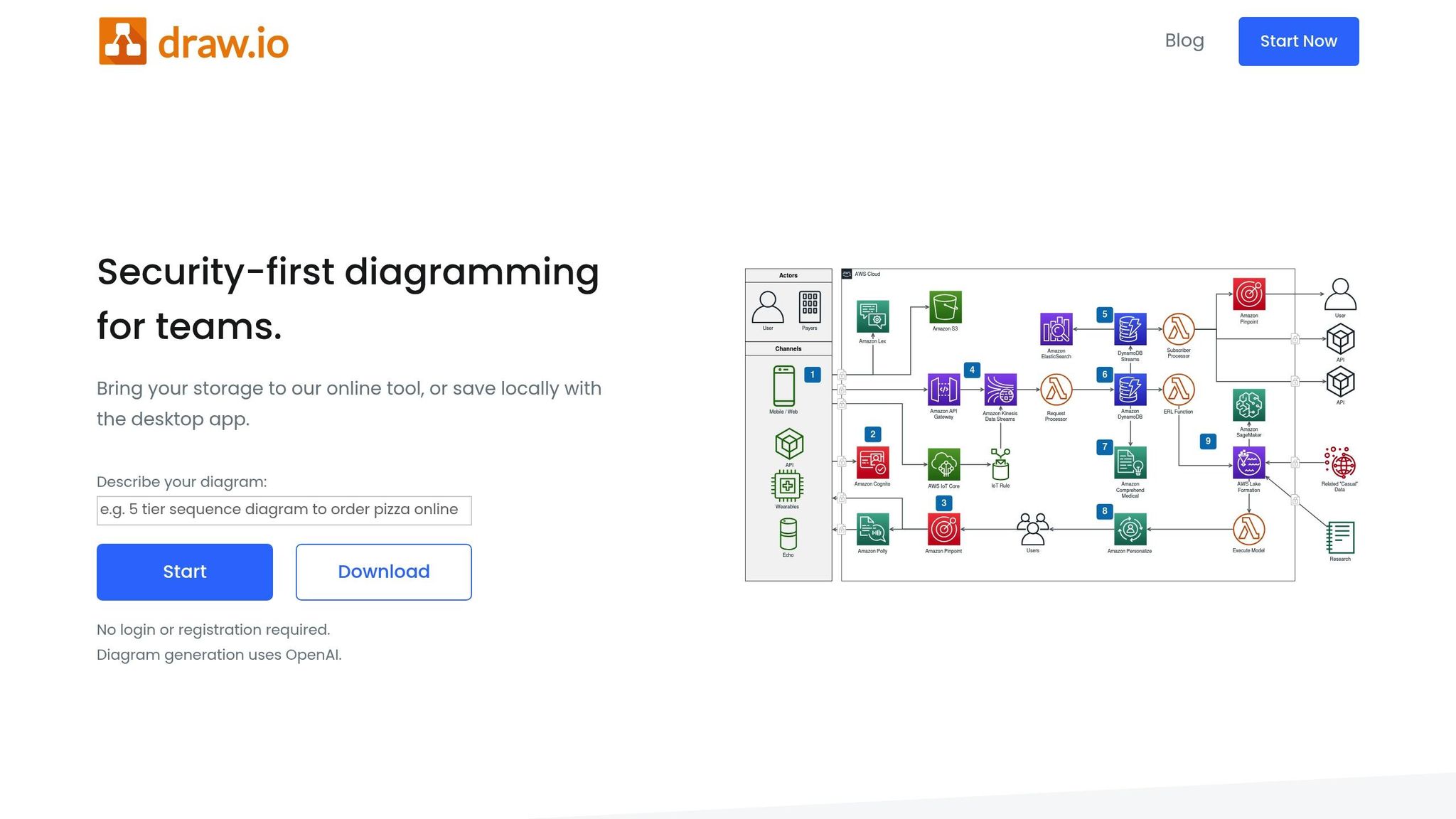
Draw.io - also known as Diagrams.net - has long been a favorite for free diagramming. With its "bring your own storage" approach, this tool offers users complete control over where their diagrams are saved, be it on local drives or cloud platforms like Google Drive or OneDrive.
Key Features:
- Completely Free: No premium versions or hidden costs.
- Storage Flexibility: Users determine where diagrams are saved - local or cloud storage.
- Wide Range of Diagram Types: Besides flowcharts, you can create organizational charts, swimlane diagrams, and more.
- Scratchpad Tool: Save customized shapes for use across multiple diagrams.
- Custom Hyperlinks: Add links to documents, processes, or even specific diagram pages for added value.
Pros:
- Easy-to-use interface with drag-and-drop functionality.
- No licensing restrictions.
- Great for beginners looking for a comprehensive starting point.
Cons:
- Limited BPMN capabilities: Shapes are not configurable.
- Aesthetic limitations: Some shapes don’t conform fully to ANSI flowchart standards.
- Basic collaboration tools compared to competitors.
Use Case Example:
Imagine a human resources (HR) department outlining a hiring process. Using Draw.io, they can create a flowchart that starts with a "Request New Staff" task, flows through approval decisions, and ends with onboarding or rejection notifications. The tool’s hyperlink feature allows the HR team to link directly to policy manuals or subprocess details, enhancing document usability.
2. Creately: Collaboration-First with Strong BPMN Capabilities
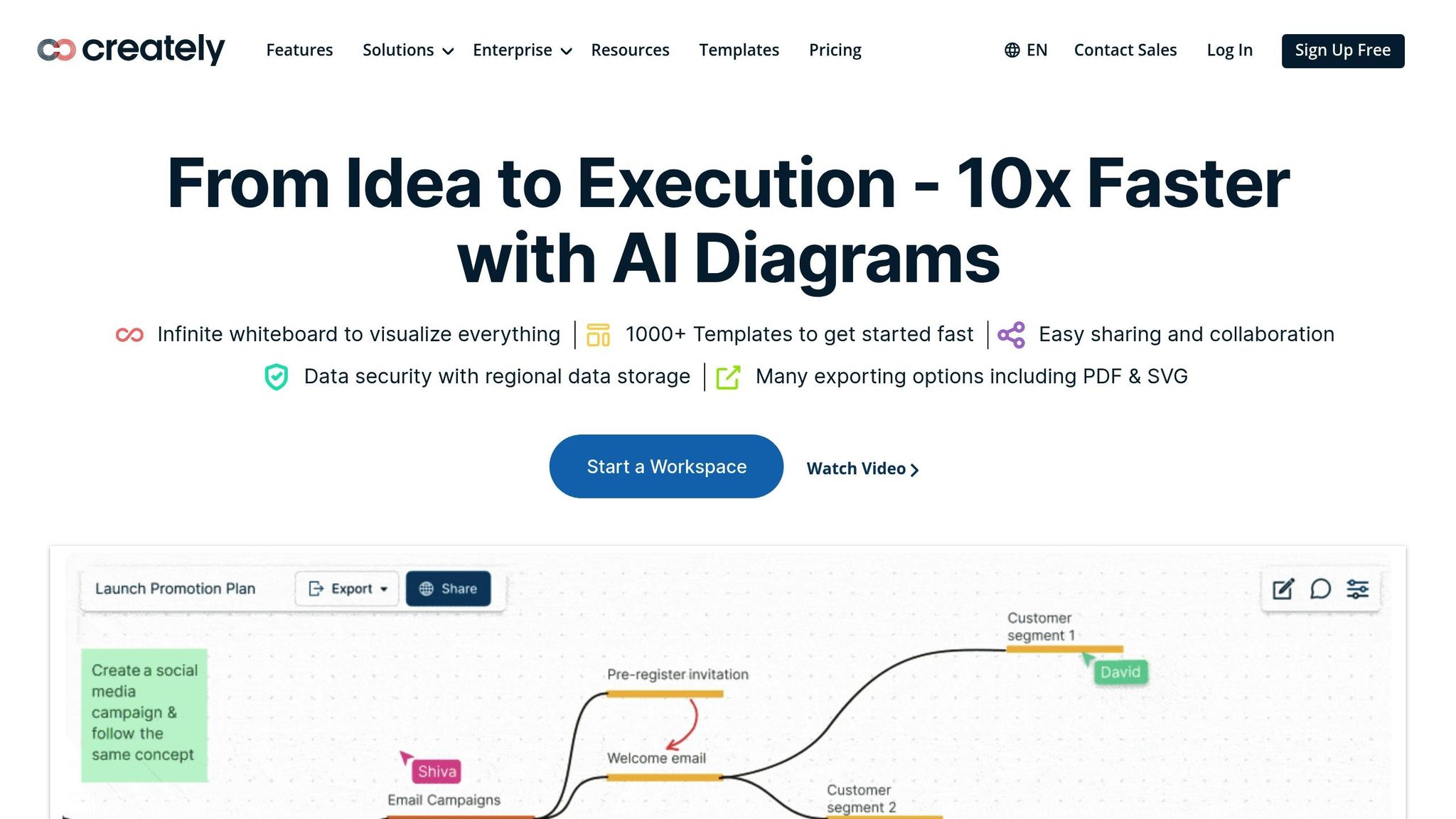
Creately stands out as a collaboration-oriented platform. While its core strength lies in whiteboarding and teamwork, the tool is also well-suited for creating flowcharts, swimlane diagrams, and BPMN diagrams.
Key Features:
- Workspaces: Unlike traditional diagramming tools, Creately’s focus is on creating collaborative workspaces that can host diagrams, notes, and other elements.
- Configurable BPMN Shapes: Shapes can be tailored to reflect user tasks, manual tasks, subprocesses, and more.
- Automatic Context Menus: Simplifies diagramming by presenting commonly used shapes and symbols.
- Dynamic Labels: Automatically labels decision paths (e.g., "Yes" for the first path, "No" for the second).
- Visual Hyperlink Indicators: Hyperlinked shapes display a chain-link icon, making it obvious when additional information is available.
Pros:
- Intuitive interface suitable for collaborative teams.
- Strong BPMN support with customizable shapes.
- Automatic alignment and labeling features improve efficiency.
Cons:
- Free version includes frequent upgrade prompts.
- Hyperlinking within the workspace requires customization.
- Limited offline capabilities compared to other tools.
Use Case Example:
A project manager overseeing a product launch can use Creately to map out dependencies between marketing, production, and sales teams. The swimlane diagrams can clearly show task ownership, while BPMN configurations ensure compliance with standardized processes.
3. Wondershare’s Edraw Max: The Most Visio-Like Option

Wondershare’s Edraw Max is a versatile diagramming tool available both as a browser-based app and a downloadable desktop app. Its design and functionality are similar to Microsoft Visio, making it a strong choice for users familiar with that platform.
Key Features:
- Extensive Template Library: Offers pre-made templates for various diagram types, including flowcharts and BPMN diagrams.
- Hyperlinking Options: Link directly to pages, shapes, URLs, or local/cloud-based documents.
- Cross-Platform Use: Available for Windows, although the browser version is accessible to all operating systems.
- Customizable Swimlanes: Easily add, delete, or rearrange swimlanes without disrupting the overall diagram structure.
Pros:
- Robust feature set resembling professional diagramming tools.
- High compatibility with Visio files for importing/exporting diagrams.
- Strong support for hyperlinking across multiple document types.
Cons:
- Limited to Windows for the desktop app.
- Black screen rendering issues when sharing the desktop app were noted.
- Free version lacks some advanced features.
Use Case Example:
An IT consultant tasked with mapping a client’s software implementation process can use Edraw Max to create detailed BPMN diagrams. The ability to hyperlink to technical specifications ensures that stakeholders have all the necessary resources at their fingertips.
4. Microsoft Visio (Free Version): Scaled-Down Yet Powerful

The free version of Visio is available to Microsoft 365 subscribers, making it a compelling option for businesses already invested in the Microsoft ecosystem. While limited compared to the paid version, it still offers a strong foundation for process mapping.
Key Features:
- Template Variety: Supports basic flowcharts and organizational charts.
- Browser-Based Access: No need to download software; works seamlessly in web browsers.
- Integration with Microsoft 365 Apps: Enables easy collaboration using familiar tools like SharePoint.
Pros:
- Familiar interface for Microsoft users.
- Reliable and user-friendly.
- Accessible across devices via the browser-based platform.
Cons:
- No BPMN or swimlane capabilities in the free version.
- Limited diagram styles and customization.
- Requires a Microsoft 365 subscription.
Use Case Example:
A small business owner using Microsoft 365 can use Visio to create a simple process map outlining customer service workflows. By integrating with OneDrive, the owner ensures that team members can easily access and update the document.
Key Takeaways
- Draw.io is ideal for those seeking a completely free, no-strings-attached option with solid flowcharting capabilities.
- Creately excels in collaboration and is the best choice for BPMN diagrams.
- Edraw Max offers the most robust functionality for experienced users, particularly those familiar with Visio.
- Microsoft Visio (free version) is a scalable option for existing Microsoft 365 users, although it lacks advanced features like BPMN support.
- All tools enable hyperlinking to add value to process maps, though the implementation varies.
- Swimlane diagrams and automatic alignment features distinguish certain tools like Creately and Edraw Max.
Conclusion
The choice of which free process mapping tool to use depends on your specific needs. Whether you prioritize collaboration, BPMN capabilities, or ease of use, there’s a tool to match your workflow. For many users, exploring multiple options and combining tools for different tasks may provide the best results.
By integrating free tools into your workflow, you can save time, reduce costs, and equip your team with the resources they need to succeed. Start experimenting today with one of these platforms, and see how process mapping can transform your business operations.
Source: "The Process Mapping Toolbox - Part 1: Free Tools" - International Institute of Business Analysis (IIBA), YouTube, Sep 4, 2025 - https://www.youtube.com/watch?v=x_oJk-e4Uco